ChatGPT Workspaces: Complete Guide to Organizing AI Conversations
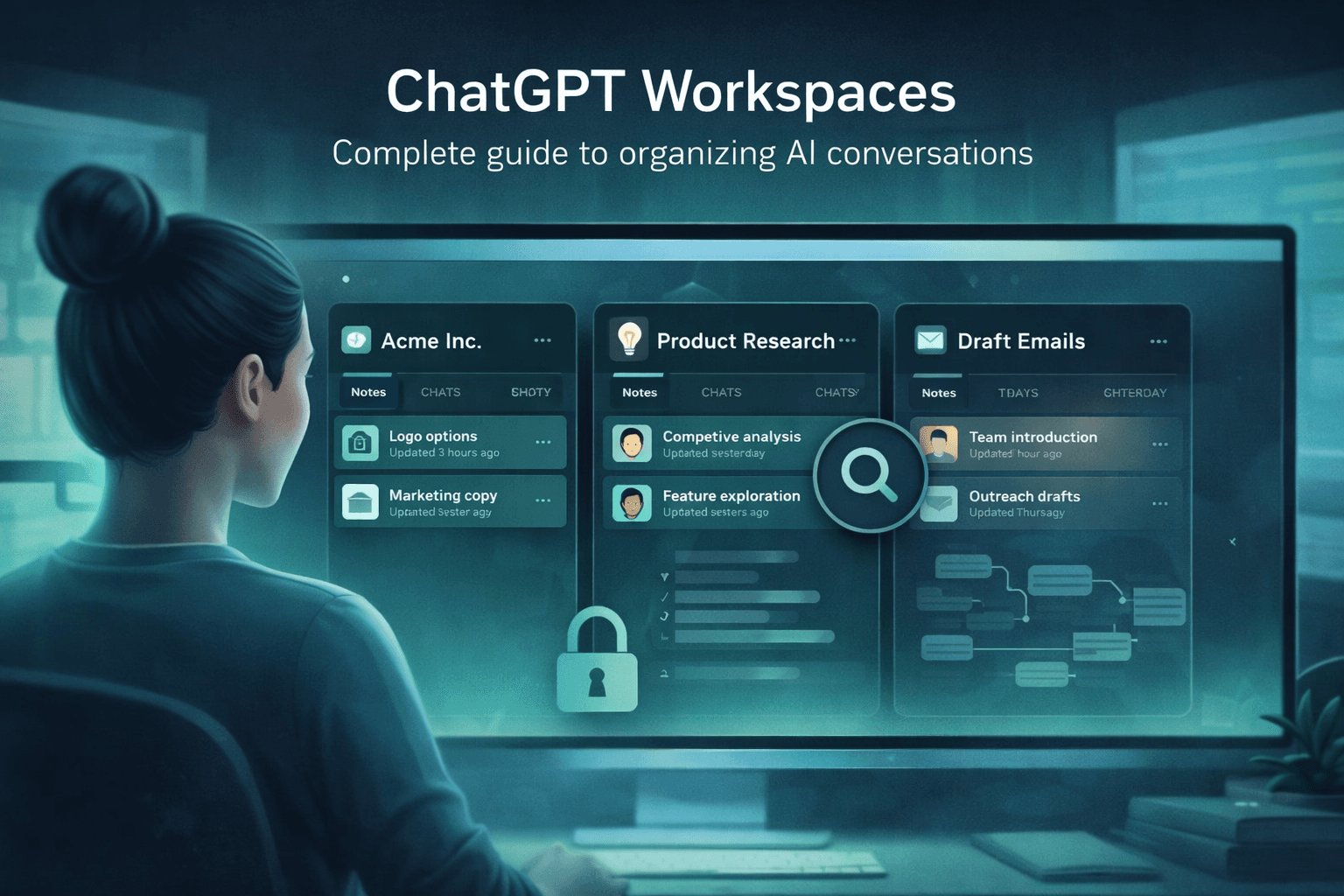
If you use ChatGPT daily for real work, you've probably hit the same wall: a single list of hundreds of conversations, none of them separated, all mixed together. Client projects next to weekend experiments. Research threads in the same scroll as draft emails. Gloria Mark's research at UC Irvine found that it takes an average of 23 minutes to fully regain focus after an interruption—and context switching between unrelated AI conversations creates that same fragmentation cost, many times a day.
ChatGPT workspaces solve this by treating context isolation as the foundation, not a folder label. Instead of adding folders to a single shared chat list, a real workspace gives every project its own container: its own conversations, prompts, notes, search space, and encrypted vault. This guide covers the full setup—workspace isolation, folder structure, tagging and search, AES-256 encryption, Tangent View for visual conversation branching, and Reference Chats for pulling past context forward.
TL;DR: A proper ChatGPT workspace system isolates each client or project into its own container, preventing cross-contamination and enabling prompt reuse. AI Workspace Pro users see a 73% reduction in ChatGPT memory usage with Smart Thread Trimming and 80% faster scrolling in long conversations. This guide walks through every feature from folder structure to encrypted vaults.
What Is a ChatGPT Workspace — and Why Does Context Isolation Matter?
Context isolation means conversations, prompts, and notes from one workspace can't bleed into another. Microsoft's 2025 Work Trend Index reports that 48% of employees say work feels chaotic and fragmented—and that's before factoring in the AI conversation volume most power users generate. Proper workspace isolation is what stops that chaos from compounding.
The difference between a workspace and a folder is significant. Folders are labels on top of one shared list—your client's financial analysis still sits next to your creative writing side project in the same scroll. A workspace is a separate container: separate chat list, separate prompt library, separate notes, separate search index. When you open the "Client A" workspace, you see only Client A's history.
This isolation matters for three concrete reasons. First, privacy: a client-specific workspace prevents accidental prompt drift where another client's context influences your work. Second, focus: your search and browsing history within a workspace stays relevant to that project only. Third, prompt reuse: prompts saved inside a workspace can be tuned for that specific context, rather than being generic catch-all templates.
When running multiple consulting clients from one ChatGPT account without workspaces, the most common mistake is referencing context or results from a different client project. Workspace isolation removes that failure mode entirely — you simply can't see the wrong client's history when you're in the right workspace.
AI Workspace Pro implements this with unlimited workspaces. You can create one per client, one for internal R&D, one for content creation, one for personal exploration — as many as you need, with complete separation between them. If you're just getting started, the getting started guide covers the first-time setup flow step by step.
AI Workspace Pro's workspace isolation model creates fully separated containers for ChatGPT conversations, each with its own prompt library, notes, search index, and AES-256 encrypted vault. Unlike folder-based organization in competitors such as Superpower ChatGPT, isolated workspaces prevent cross-project context contamination entirely — making the tool especially valuable for consultants and agencies managing multiple clients from a single ChatGPT account.
How to Build a Folder Structure That Scales With Your Work
Folders work inside workspaces. Each workspace supports unlimited nested folders with drag-and-drop reordering, so you can build a hierarchy that matches how you actually think about your work. An NBER study found that AI assistance produces a 14% productivity gain for knowledge workers — but that gain erodes quickly when you spend time hunting for relevant conversations instead of building on them.
A practical folder structure for a consultant running three active clients looks like this:
📁 Client A
📁 Research
📁 Deliverables
📁 Meeting notes
📁 Client B
📁 Strategy
📁 Writing drafts
📁 Internal
📁 Prompt templates
📁 Archive
A few structural rules that help at scale: keep active folders shallow (2–3 levels max). Use an Archive folder at the top level of each workspace for conversations that are done but still searchable. Don't create a folder for a single conversation — wait until you have 5 or more related chats before adding a subfolder.
The drag-and-drop system means you can refactor without penalty. Move chats between folders as a project evolves. Nest a project folder inside a client folder as you win new work. If you have an existing account with hundreds of conversations to sort, the bulk operations feature handles the clean-up in minutes. The guide to organizing 500+ conversations covers sorting, archiving, and folder assignment at scale.
AI Workspace Pro supports unlimited nested folders with drag-and-drop reordering inside each isolated workspace. This lets consultants, developers, and researchers build project-specific folder hierarchies that evolve as work progresses — without the cognitive overhead of maintaining a flat organizational system across hundreds of conversations.
Tags, Search, and Filters: Finding Any Conversation in Seconds
Folders handle primary organization, but some conversations belong to multiple contexts. That's where the multi-tag system comes in. You can assign multiple custom-colored tags to any conversation — "#client-a", "#research", "#to-review" — and filter across your entire workspace by any combination of tags. Anthropic's 2025 Economic Index found that AI use leans 57% toward augmentation over 43% automation — which means knowledge workers are doing more with AI, and retrieval speed compounds across their day.
The advanced search feature runs full-text search across all conversations in a workspace. This is more powerful than ChatGPT's built-in search because it covers everything you've organized: chats, notes, prompts, and tags. Smart Filters let you narrow by date range, tag, or folder before running the search, so you can find a specific conversation from three months ago in under 10 seconds.
Use tags for cross-cutting labels
- Status: #draft, #done, #to-review
- Type: #research, #writing, #analysis
- Priority: #urgent, #backlog
- Client: #client-a, #internal
Use folders for primary structure
- Top-level = client or major project
- Second-level = work type
- Third-level only when you have 5+ related chats
- Archive folder at each workspace root
The most effective setups combine sparse folder structures with rich tagging. A flat two-level folder hierarchy with consistent tags outperforms deep nesting in practice: tags are faster to apply consistently across many conversations, and filter queries run faster than drilling into nested folders.
AI Workspace Pro's multi-tag system with custom colors and full-text search across all conversations addresses one of the most common failure modes in ChatGPT power usage: the inability to retrieve relevant past conversations quickly. Smart Filters narrow results by date, folder, or tag before running search — significantly reducing retrieval time compared to ChatGPT's native search.
AES-256 Encryption and Local-First Storage: Privacy as Architecture
For consultants and agencies, workspace isolation isn't just about organization — it's about client confidentiality. AI Workspace Pro uses AES-256 encryption for workspace vaults and implements a local-first storage model: your data stays on your device, not in a third-party cloud. The Chrome Web Store listing explicitly states that the developer does not collect or use your data. McKinsey's 2024 AI report shows 65% of organizations are already using generative AI regularly — and data governance concerns are consistently cited as the top barrier to broader adoption.
Zero telemetry means your prompts, conversations, and notes never leave your machine to be processed by the extension's infrastructure. This is structurally different from cloud-synced tools where your data passes through external servers. AES-256 is the same encryption standard used by financial institutions and government agencies — not marketing language for "password-protected."
Privacy architecture checklist: Local-first storage + AES-256 encryption + zero telemetry = your client conversations stay on your machine. This is the configuration professionals should require before using any AI extension with sensitive client data.
Most AI productivity extensions make no explicit data-handling commitment in their Chrome Web Store listing. AI Workspace Pro's explicit "does not collect or use data" disclosure is a meaningful compliance signal — especially for regulated industries where AI conversation logging could create liability.
AI Workspace Pro's privacy model combines AES-256 encrypted workspace vaults with local-first storage and zero telemetry — meaning conversation data never passes through external servers. This architecture makes it one of the few ChatGPT Chrome extensions suitable for professionals handling sensitive or confidential client work, where third-party cloud storage of AI conversations would create compliance risk.
Tangent View: Visualizing Where Your Conversations Branch
Long research sessions with ChatGPT don't follow a linear path. You ask a question, follow a thread, branch back to try a different angle, return to an earlier point. That conversation tree gets impossible to navigate manually. Gloria Mark's research at UC Irvine found that recovering focus after a disruption takes an average of 23 minutes — the repeated scrolling a long, branching conversation requires creates exactly that kind of disruption. Tangent View solves this with a visual branching graph that shows every fork, letting you jump to any node directly.
The practical use case is exploratory research where you test multiple hypotheses from the same starting point. Without Tangent View, finding where you took a specific branch means scrolling through hundreds of messages. With it, you see the shape of the entire conversation at a glance and click directly to any fork.
This stands out as one of AI Workspace Pro's clearest differentiators — no mainstream ChatGPT extension currently offers visual conversation branching at this level. The full Tangent View explainer covers setup and best practices for research workflows.
AI Workspace Pro's Tangent View feature renders a visual graph of ChatGPT conversation branches, allowing users to navigate directly to any fork in a long research session. This eliminates the need to scroll through hundreds of messages to find where a specific line of inquiry began — particularly valuable for researchers, analysts, and consultants who conduct complex exploratory conversations with ChatGPT.
Reference Chats: Bringing Past Context Into New Conversations
One of the most friction-heavy moments in AI work is re-establishing context at the start of a new conversation. You paste in background material, project briefs, or past conclusions — taking 2–5 minutes just to get ChatGPT up to speed. Reference Chats eliminate this by letting you attach any past conversation as context for a new one. The previous conversation's content becomes instantly available without manual copy-pasting.
This is especially useful for ongoing client projects where each new session needs to build on previous work. Instead of re-explaining a client's business context for the fifteenth time, you reference the master context conversation and AI Workspace Pro threads it in automatically.
The feature pairs naturally with the workspace model: each workspace stores reference conversations specific to that project, so your Client A reference context is never accidentally pulled into a Client B session. For a deeper look at how Reference Chats work in practice, see the Reference Chat feature guide.
AI Workspace Pro's Reference Chats feature attaches past conversations as context for new ChatGPT sessions — eliminating the need to re-paste background material at the start of each working session. For professionals managing ongoing context-heavy projects — client engagements, research programs, content series — this reduces session startup time and prevents the gradual drift that happens when context must be re-established from memory.
Who Gets the Most Out of ChatGPT Workspaces?
The workspace model scales differently depending on your use case. Some profiles get outsized value — not because the features work differently, but because isolation, prompt reuse, and privacy compound more in certain work patterns.
"Powerful productivity extension... intuitive sidebar... prompt manager... significantly improves productivity and overall AI interaction."
— Lazar Antic, Chrome Web Store review, February 2026
Based on Chrome Web Store user reviews and testimonials, the most frequently cited value drivers are the prompt library (reducing repetitive re-typing), workspace isolation (eliminating cross-project confusion), and Smart Thread Trimming (reducing ChatGPT memory bloat that causes errors in long conversations).
Frequently Asked Questions
How many workspaces can I create in AI Workspace Pro?
AI Workspace Pro supports unlimited workspaces — no cap on clients, projects, or personal contexts. Each workspace has its own folder structure, prompt library, notes, tags, and AES-256 encrypted vault. The free plan covers core functionality for getting started, with the pro plan unlocking unlimited workspaces and advanced features.
Is my data safe with a ChatGPT workspace extension?
AI Workspace Pro uses 100% local-first storage, AES-256 encryption, and zero telemetry — your conversation data stays on your device and is never sent to or stored by the extension's servers. The Chrome Web Store listing explicitly states the developer does not collect or use your data, which is a meaningful compliance signal for professionals handling confidential client work.
What's the difference between a ChatGPT workspace and a folder?
Folders are labels on top of a single shared conversation list. Workspaces are isolated containers — each has its own separate chat list, prompt library, notes, and search index. When you open a workspace, you see only that workspace's content. Folders organize within a workspace; workspaces create the isolation between different clients or contexts.
Does AI Workspace Pro work with Claude and Grok as well as ChatGPT?
Yes — AI Workspace Pro works with ChatGPT, Claude, and Grok. The workspace system, prompt library, folder structure, and all organizational features apply across all three platforms, so you can maintain isolated contexts regardless of which AI model you use for a given project.
What is Tangent View and how does it help with long ChatGPT conversations?
Tangent View renders your conversation as a visual branching graph where each fork is a clickable node. For exploratory research sessions where you test multiple directions from the same starting point, it lets you see all branches at a glance and jump directly to any node — no scrolling required. See the Tangent View guide for full setup instructions.
Start With Isolation, Build Everything Else From There
The most important decision in setting up a ChatGPT workspace system is the first one: whether to treat isolation as the foundation or as a later add-on. If you start with isolated workspaces and build your folder structure, tags, and prompts inside them, every other feature compounds correctly. Your search stays relevant. Your prompts stay context-appropriate. Tangent View graphs stay scoped to the right project. Your encrypted vaults cover the right conversations.
If you start with folders alone and skip isolation, the organizational debt builds up quickly. You eventually have a well-organized single-list problem instead of a disorganized one — but the core issue (everything visible together, no context separation) is still there.
Setup time for a clean workspace structure is 20–30 minutes for most users. The ongoing overhead is negligible once the habits are in place. The organization features overview shows everything AI Workspace Pro offers in one place if you want to plan your structure before starting.
Ready to set up isolated workspaces for your ChatGPT workflow?
Try AI Workspace Pro free →Ready to upgrade your workflow?
Join thousands of power users who trust AI Workspace to organize their prompts and conversations securely.
Install for Free