How to Organize 500+ ChatGPT Conversations Without Losing Context

AI tools like ChatGPT, Claude, and Perplexity are becoming an integral part of our workflows—from research and writing to coding and brainstorming. But as powerful as these tools are, managing hundreds of conversations, prompts, and ideas can quickly become overwhelming.
If you’ve ever found yourself opening dozens of tabs, copying snippets into random notes, or hunting for that one response you wrote last week, you know the struggle. Before long, you spend more time organizing than actually creating.
In this post, we’ll explore practical strategies to organize your AI conversations effectively. We’ll cover methods you can start using today and tools—like AI Workspace—that help you keep your chats, prompts, and notes structured and searchable.
1. Why organizing AI conversations matters
Using AI without structure can create several problems:
- ⚠ Lost information: Valuable insights from past conversations can disappear in the noise of multiple chats and tabs.
- ⚠ Repetitive work: Without a clear system, you may end up rewriting prompts or redoing the same experiments multiple times.
- ⚠ Cognitive overload: Juggling dozens of open tabs, apps, and notes increases mental fatigue and slows decision-making.

In short: AI only truly amplifies productivity if your workflow around AI is organized and efficient.
2. Simple strategies to organize AI conversations
Here are a few practical strategies you can implement immediately:
a) Use a centralized storage system
Instead of scattering conversations across multiple tabs, screenshots, or random notes:
- Tools like Notion, Obsidian, or Evernote let you manually copy conversations and categorize them.
- Dedicated AI workspace tools automate saving, tagging, and organizing your conversations for you.
Benefit: Everything is in one place, searchable, and easier to manage.
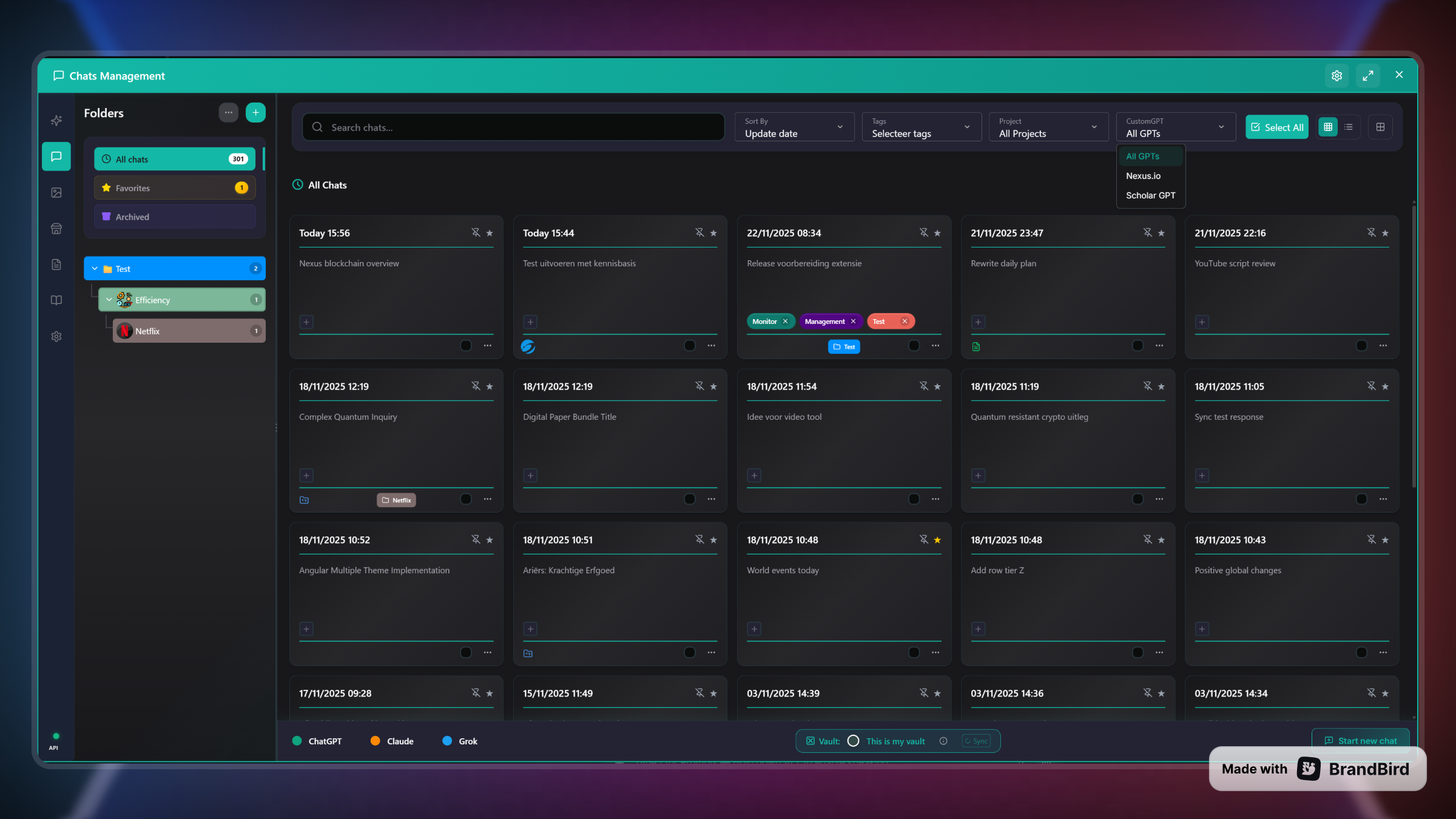
b) Create folders or “workspaces”
Organize chats by project, topic, or client.
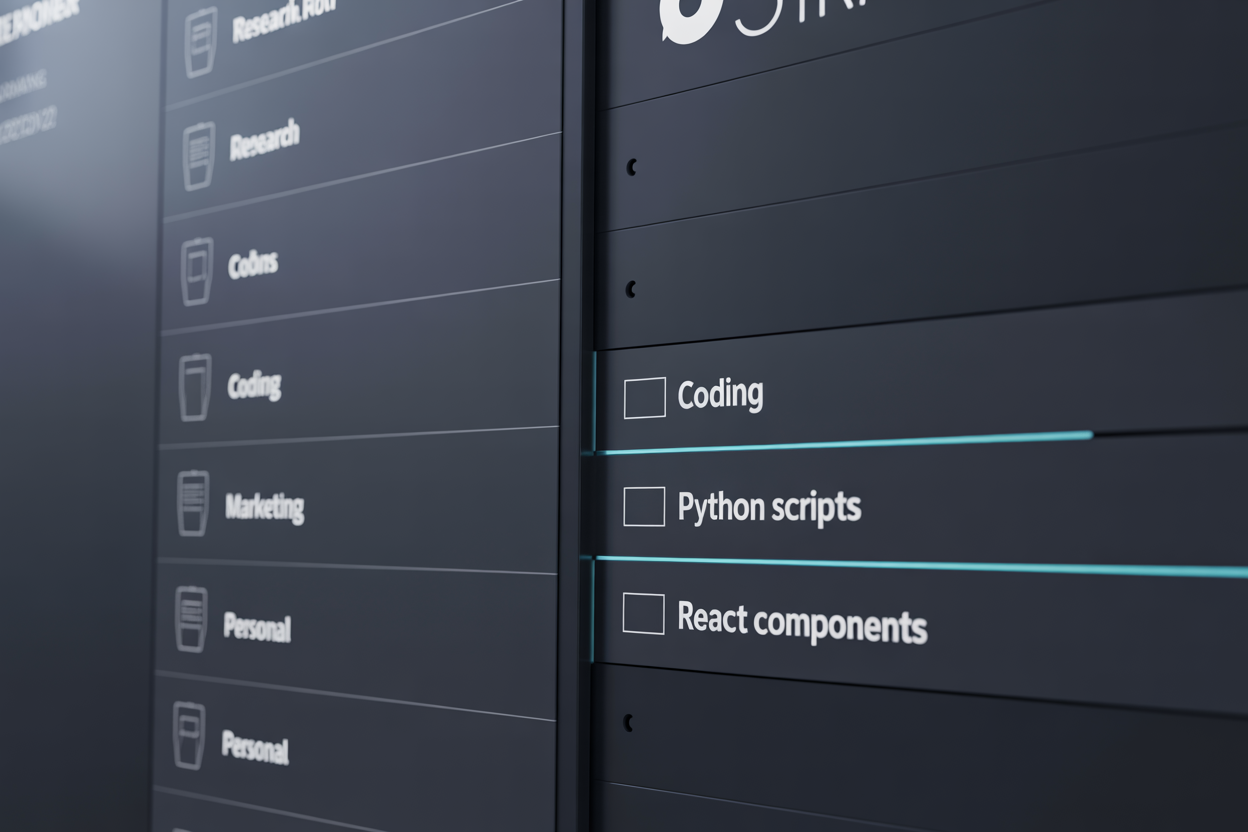
- Create folders or workspaces for different categories like “Research,” “Writing,” or “Code Snippets.”
- Use labels, tags, or metadata to classify each conversation.
- Archive old or irrelevant chats to reduce clutter.
c) Build a prompt library
AI workflows are often repetitive. Many prompts get reused across different projects.
What to include:
- • Structured library with categories
- • Tags for quick filtering
- • Variables and templates (e.g., {{topic}})
The Result:
Saves time and avoids reinventing the wheel every time you start a new chat.
d) Add notes and highlights
Don’t rely solely on AI chat history. Take notes on key insights, decisions, or next steps. Highlight important responses so they persist across sessions.
e) Search everything efficiently
When your library grows beyond dozens of conversations, searching becomes critical. Use tools with robust search features that index conversations, prompts, and notes.
3. How AI Workspace helps
While these strategies work manually, the real productivity gain comes from integrating them into a single tool.
AI Workspace is a browser extension designed to manage AI conversations across ChatGPT, Claude, and Grok.
- ✓ Organize conversations into folders ("Workspaces")
- ✓ Build a prompt library with variables
- ✓ Add notes & highlights to chats
- ✓ Bulk manage & archive
- ✓ Full-text search across all platforms

4. Best practices for maintaining an organized AI workflow
- Daily/Weekly Review Set aside time to organize new conversations and archive old ones.
- Naming Conventions Use consistent naming for folders and tags to make search easier.
- Archive Ruthlessly Keep your active workspace clean by archiving completed projects.
- Automate Use tools like AI Workspace to sync and categorize automatically.
5. Common pitfalls to avoid
- Relying only on AI platform sidebars: They aren’t designed for long-term organization.
- Letting prompts pile up: Without categorization, future searches become slow and painful.
- Switching between too many tools: Centralization is key to maintaining flow.
- Ignoring cross-device syncing: Fragmentation leads to lost context when switching devices.
6. Benefits of an organized AI workspace
- ⚡ Save hours per week previously lost to searching and reorganizing.
- 🧠 Retain knowledge across projects, ensuring insights are never lost.
- 🚀 Improve experimentation with reusable prompts and organized context.
Conclusion
AI is powerful—but only when your workflow around it is organized. Scattered tabs, notes, and prompts create chaos, reduce productivity, and waste time. By centralizing conversations, creating folders, building a prompt library, and taking notes, you can turn AI into a truly productive partner.
Tools like AI Workspace automate these best practices, helping you organize hundreds of AI conversations, prompts, and ideas in one place.
Start taking control of your AI workflow today and transform scattered chaos into structured productivity.
Ready to upgrade your workflow?
Join thousands of power users who trust AI Workspace to organize their prompts and conversations securely.
Install for Free