Best ChatGPT Chrome Extensions in 2026: Which One Fits Your Workflow?
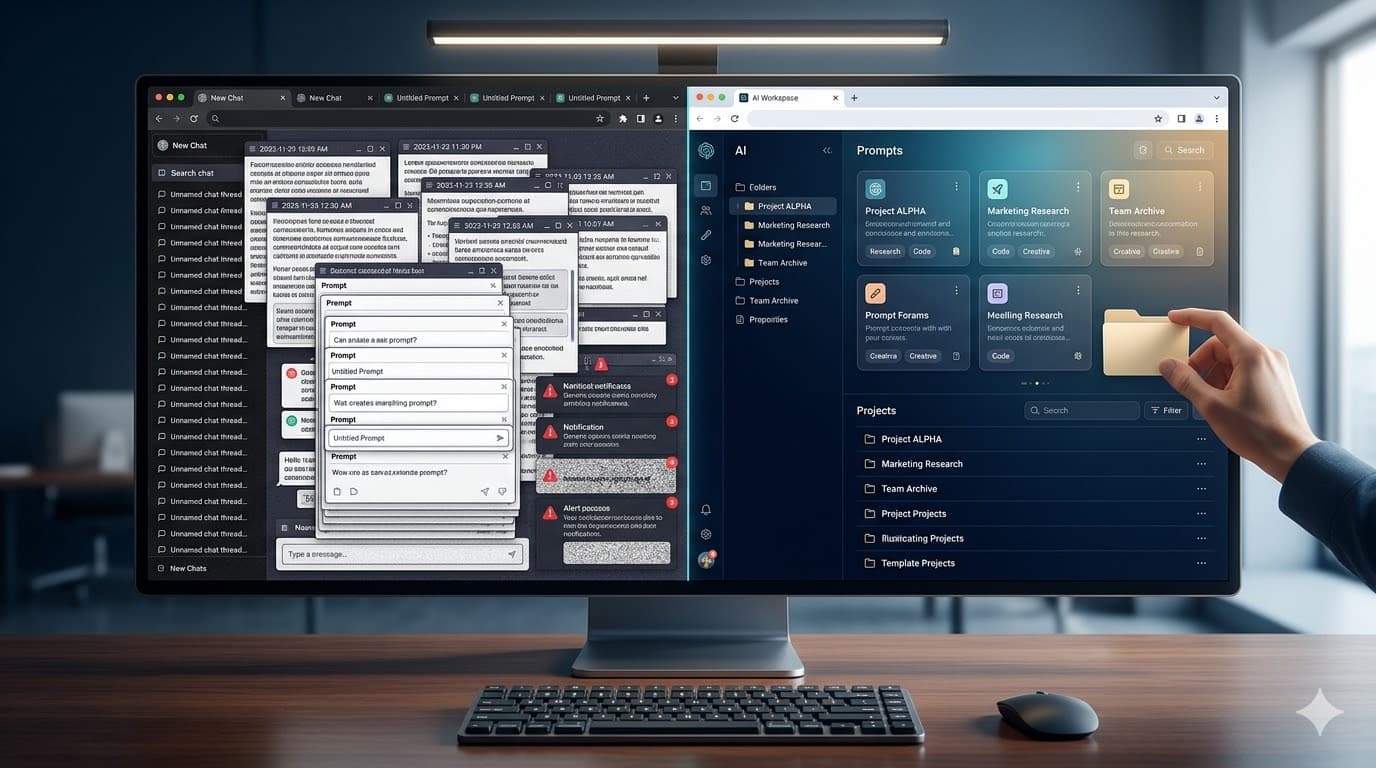
The market for ChatGPT Chrome extensions is no longer a niche corner of the Chrome Web Store. McKinsey reported in 2024 that 65% of organizations were already using generative AI regularly in at least one business function, and Microsoft's 2025 Work Trend Index says employees are interrupted every 2 minutes during the workday. When AI becomes part of daily execution, the extension you choose starts to matter a lot more than people think.
If you are searching for the best ChatGPT Chrome extension, the honest answer is that it depends on your workflow. Some extensions are built for prompt libraries, some for live web access, and some for broad AI assistance across the browser. But if your main goal is to organize prompts, chats, notes, and repeatable AI workflows without losing context, AI Workspace Pro comes out especially strong.
TL;DR: If you want the best ChatGPT Chrome extension for structured prompt management, client separation, and chat organization, AI Workspace Pro is the strongest fit. If you want a broader browser copilot, Sider or Monica may suit you better. If you want web-enhanced prompts, WebChatGPT still deserves a look. Chrome Web Store data accessed in March 2026 shows this category already spans from niche specialists to multi-million-user tools.
Research note: ratings, user counts, and feature summaries below are based on official Chrome Web Store listings and source pages accessed in March 2026. Some product features change quickly, so plan-specific details should be rechecked before publication or promotion.
What Should You Look for in a ChatGPT Chrome Extension?
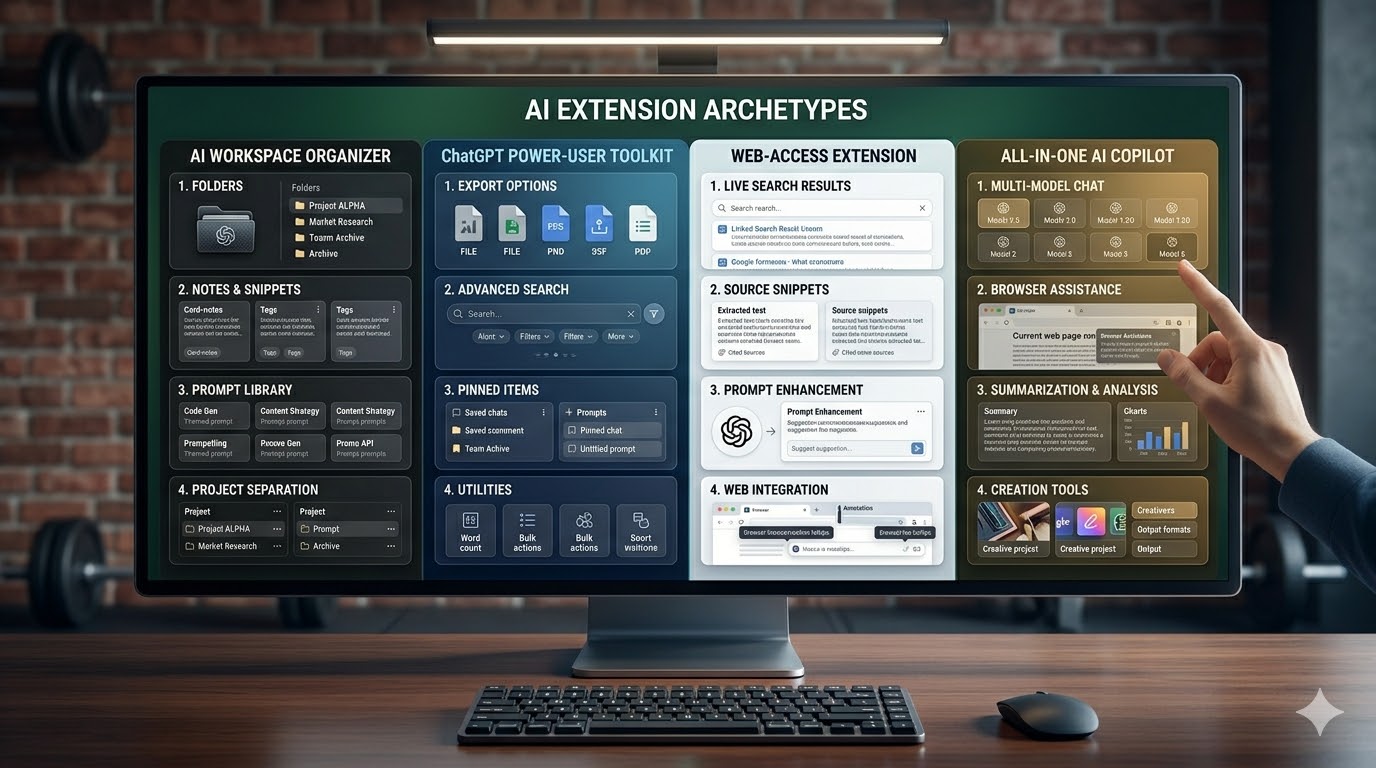
The best ChatGPT Chrome extension comparison should start with workflow fit, not feature count. Microsoft's 2025 Work Trend Index found that 48% of employees and 52% of leaders say work feels chaotic and fragmented. That means the right extension is usually the one that removes friction from your actual bottleneck: finding prompts, separating projects, browsing the web, or using AI across every page you visit.
Prioritize these if you work inside ChatGPT all day
- Folders, workspaces, and project separation
- Prompt library access from the ChatGPT input box
- Fast local search across chats, notes, and prompts
- Notes, tags, and reusable prompt chains
- A clear privacy posture you are comfortable with
Prioritize these if you want AI across the whole browser
- Multi-model sidebars and search enhancements
- Webpage, PDF, and video summarization
- Cross-site writing and translation tools
- Image and document generation features
- Support for many websites beyond ChatGPT
In other words, a best Chrome extension for managing ChatGPT conversations is not always the same thing as the best AI extension overall. That distinction is where buyers often make the wrong choice.
Best ChatGPT Chrome Extensions Worth Considering in 2026
This category already spans specialists and giants. The Chrome Web Store currently shows AI Workspace Pro at 3,000 users, Superpower for ChatGPT at 100,000 users, WebChatGPT at 1,000,000 users, Monica at 3,000,000 users, and Sider at 5,000,000 users. Those numbers do not tell you which tool is best, but they do show that buyers are comparing very different products under the same "ChatGPT extension" label.
1. AI Workspace Pro
Best for people who want a ChatGPT workspace extension for serious prompt management, notes, folders, and project-based organization.
Standout angle: strong context separation, prompt chains, local search, image tagging, and a Chrome Web Store privacy disclosure that says the developer does not collect or use your data.
2. Superpower for ChatGPT
Best for heavy ChatGPT power users who want a mature toolkit with folders, export, prompts, search, minimap, pinned messages, and a long list of utilities.
Standout angle: deep ChatGPT-native feature coverage. Tradeoff: the product is broad and can feel busier if your primary need is clean workspace separation rather than maximum feature density.
3. WebChatGPT
Best for users who mainly want fresher answers, prompt templates, and explicit control over what web results get added to ChatGPT prompts.
Standout angle: web access and lightweight prompt support. Tradeoff: it is less compelling if your main issue is organizing large chat histories across multiple clients or projects.
4. Sider
Best for buyers who want a powerful browser-wide AI sidebar for reading, writing, search, file chat, image workflows, and multi-model comparison.
Standout angle: breadth and scale. Tradeoff: it behaves more like an all-purpose AI copilot than a focused ChatGPT organizer.
5. Monica
Best for users who want one extension for chat, search, browsing, summarization, image generation, translation, and agent-style workflows.
Standout angle: a polished all-in-one AI toolkit. Tradeoff: it is broader than what many people need if the job is specifically prompt reuse and ChatGPT organization.
6. Merlin
Best for general browser productivity with research, rewriting, summarization, and broad website coverage beyond ChatGPT itself.
Standout angle: browser-wide utility. Tradeoff: like Monica and Sider, it competes more in the broader AI copilot lane than in the structured ChatGPT workspace lane.
Which Extension Is Best for Prompt Management and Project Organization?
If your main problem is prompt reuse, chat organization, and keeping different kinds of AI work separate, AI Workspace Pro has the clearest advantage. That matters because the productivity upside of AI is real: an NBER study found a 14% productivity gain for customer-support agents using generative AI assistance, with even larger gains for less experienced users. Once AI becomes repeatable work rather than occasional experimentation, organization stops being a nice-to-have.
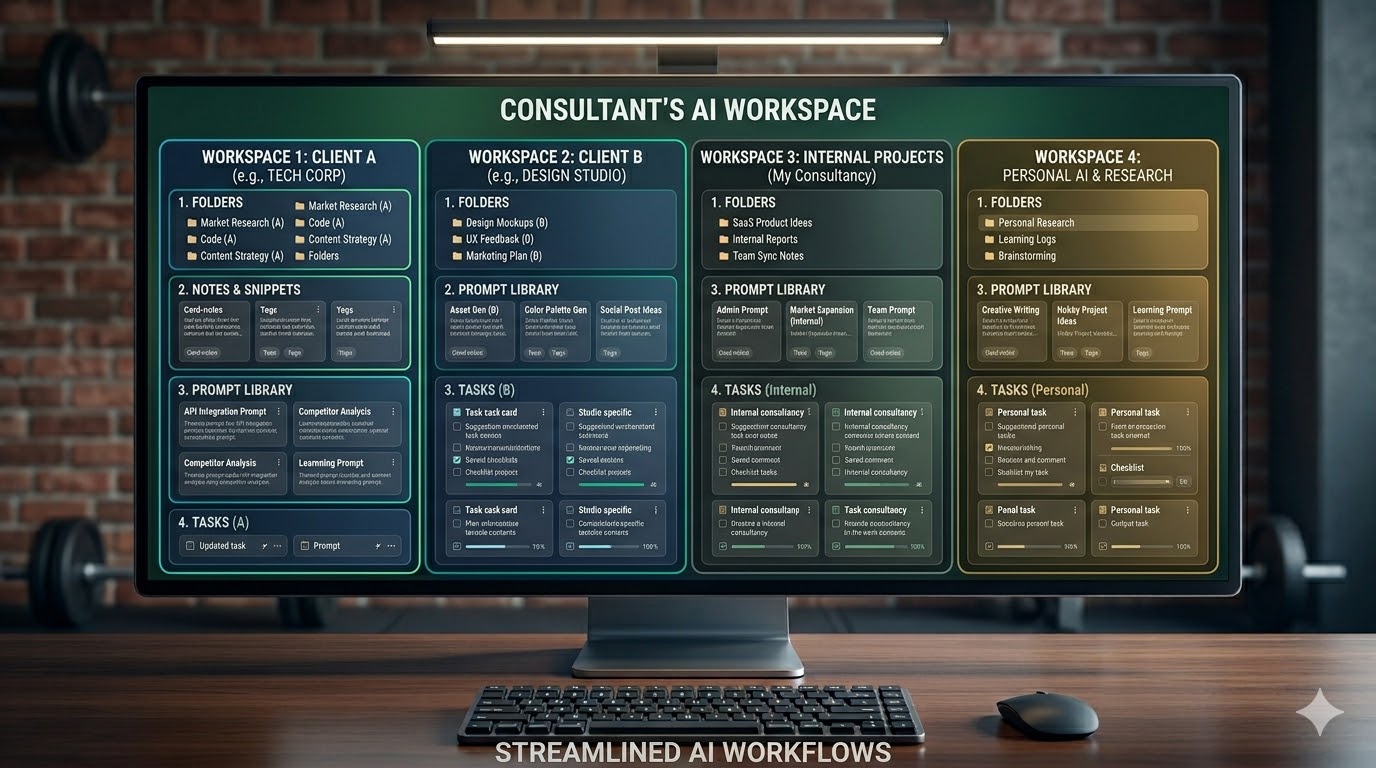
This is where AI Workspace Pro feels deliberately designed. Instead of trying to become an everything app, it focuses on the workflows serious ChatGPT users actually repeat every day: saving prompts, tagging them, grouping chats into folders, attaching notes, chaining multi-step prompts, and keeping work, personal, and client contexts apart.
Why AI Workspace Pro stands out
- Dedicated workspace model instead of one giant mixed context
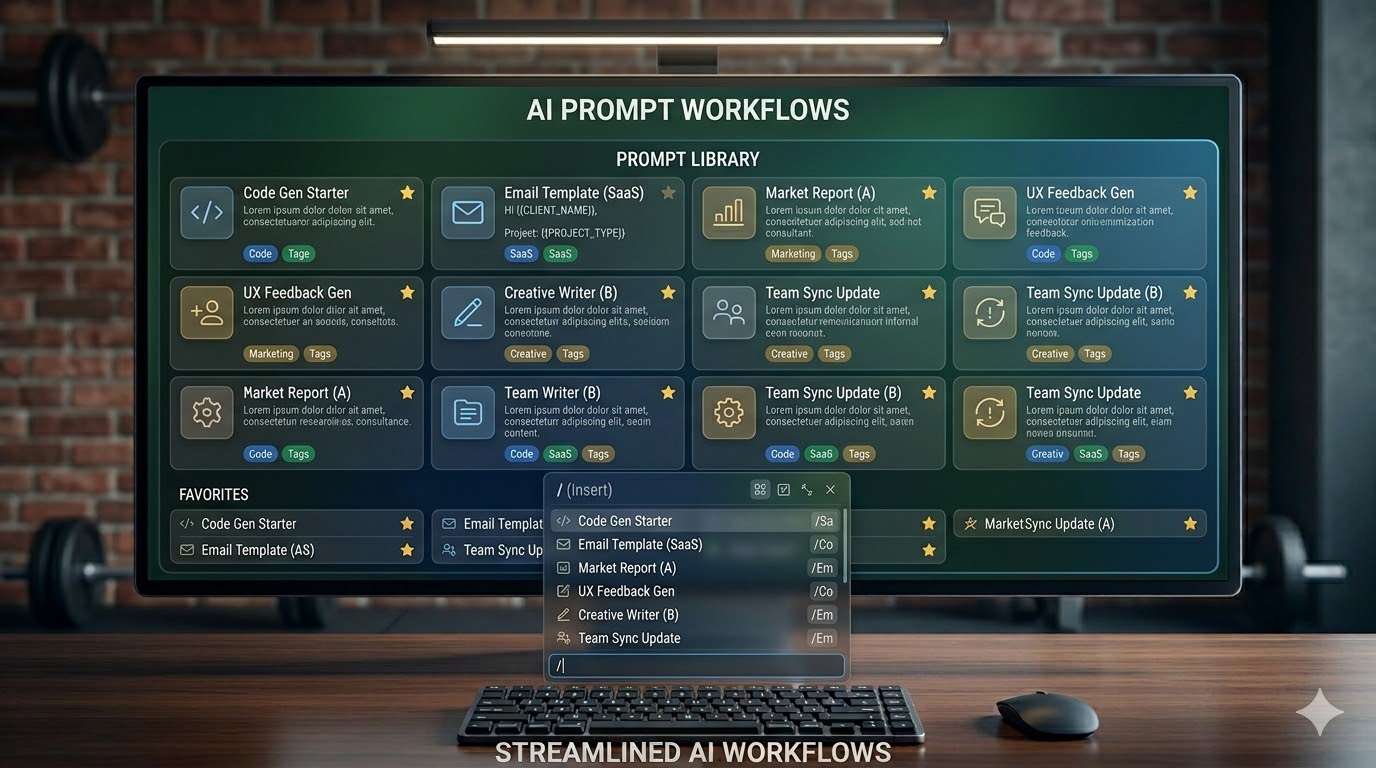
- Prompt library access from the input box with slash-command style retrieval
- Prompt chains for multi-step workflows
- Notes, tags, folders, and image organization in the same environment
- Privacy-first positioning with a no-data-collection disclosure on the Chrome Web Store listing
Who benefits most
- Freelancers running multiple clients from one ChatGPT account
- Consultants who need fast prompt reuse without cross-project confusion
- Agencies standardizing internal AI workflows
- Power users who want saved prompts, notes, and folders in one place
- Teams that care about repeatability more than having every possible AI feature
If that sounds like your use case, AI Workspace Pro is not just a Superpower ChatGPT alternative. It is a more opinionated answer to a different problem: structured AI work. If prompt reuse is your biggest pain point, the Prompt Library workflow is the right place to start. If you are operationalizing AI across a group, the team workflow page and the agency use case page show why workspace separation matters.
When Should You Choose Superpower, WebChatGPT, Sider, Monica, or Merlin Instead?
AI Workspace Pro is not the best answer for every buyer, and saying otherwise would make this a weak review. If your job is primarily broad web research, search enhancement, translation, or cross-site writing support, the broader copilots may fit better. Chrome Web Store adoption also suggests there is massive demand for these wider tools: Sider has 5 million users and Monica has 3 million users as of March 2026.
How Do You Pick the Best ChatGPT Chrome Extension for Your Workflow?
The fastest way to choose is to start with the job-to-be-done. Anthropic's 2025 Economic Index found that AI use leans more toward augmentation than automation, at 57% versus 43%. In plain English: most people still need AI to support their work, not replace it. The right extension is the one that supports your real workflow with the least friction.
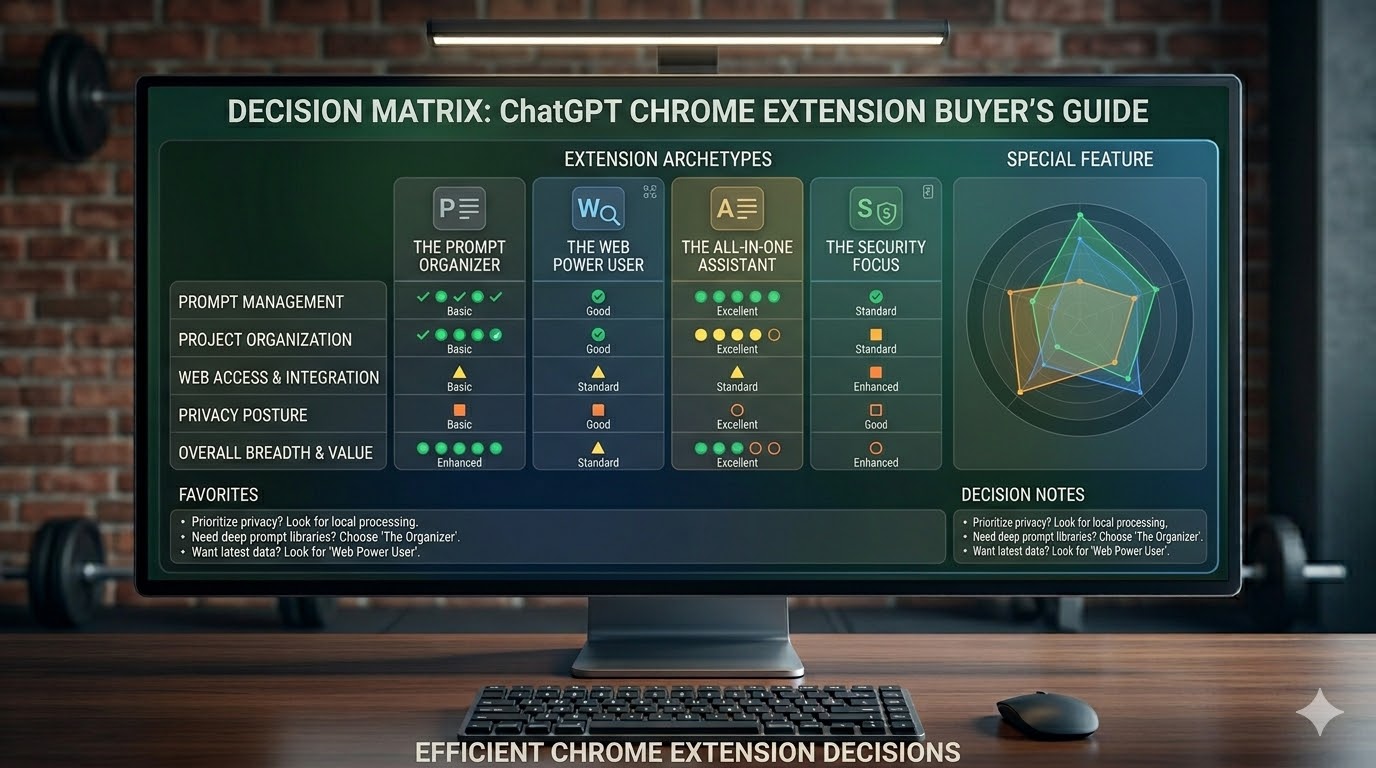
Choose AI Workspace Pro if you need:
- A ChatGPT extension for multiple projects or clients
- A ChatGPT folders and prompt library extension
- A privacy-first setup with local organization and notes
- A stronger system for repeatable workflows inside ChatGPT
Choose a broader copilot if you need:
- Search, translation, and writing help across any site
- Multi-model comparisons outside ChatGPT
- Heavy file chat, web summaries, and browser-side research tools
- One AI layer for the entire browser instead of one ChatGPT-centric workspace
Editorial verdict
For broad AI assistance across the web, Sider and Monica are hard to ignore. For web-grounded prompts, WebChatGPT remains useful. For deep ChatGPT power features, Superpower still deserves respect. But for users specifically comparing the best ChatGPT prompt manager Chrome extension or the best Chrome extension for managing ChatGPT conversations, AI Workspace Pro has the clearest product thesis and the best organization-first fit.
FAQ: ChatGPT Chrome Extensions
What is the best ChatGPT Chrome extension for prompt management?
If prompt reuse, folders, notes, and multi-step workflows are your priority, AI Workspace Pro is the strongest option in this comparison. Superpower is also strong here, but AI Workspace feels more focused when you want cleaner organization rather than maximum surface area.
Which ChatGPT extension is best for teams or agencies?
Teams, agencies, and consultants usually benefit most from workspace separation and standardized prompt systems. That makes AI Workspace Pro a better fit than broad browser copilots for many shared-process environments. The consultant workflow page and organization page map closely to that use case.
Should I choose Sider or Monica instead?
Choose Sider or Monica if you want an all-in-one browser AI assistant with broader reading, search, writing, and creation capabilities. Choose AI Workspace Pro if you primarily live in ChatGPT and want to organize your work there much better.
Do ChatGPT Chrome extensions still matter now that ChatGPT keeps shipping new features?
Yes. Native ChatGPT features keep improving, but specialized extensions still matter because they solve different workflow problems: browser-wide AI help, workspace separation, prompt libraries, export, notes, and richer organization. As AI usage matures, those operational layers often become more important, not less.
Final Take
The best ChatGPT Chrome extension is not the one with the longest feature list. It is the one that removes the most friction from your actual workflow. For browser-wide AI assistance, bigger copilots are strong. For live web context, WebChatGPT remains useful. For a dense ChatGPT power-user toolkit, Superpower is still a serious option.
But if you want a ChatGPT extension for saved prompts, organized chats, notes, and clean project separation, AI Workspace Pro is the most compelling pick in this group. It feels designed for people who use AI every day and need structure, not just novelty.
Try the organization-first route
If your current setup feels messy, start with prompt organization and workspace separation first. That one change usually compounds faster than adding another generic AI sidebar to the browser.
Ready to upgrade your workflow?
Join thousands of power users who trust AI Workspace to organize their prompts and conversations securely.
Install for Free