How Do I Organize ChatGPT Prompts? The Complete Guide to Prompt Management

If you're a serious ChatGPT user, you've probably hit this problem: you craft the perfect prompt, get amazing results, and then... it's gone. Buried somewhere in your conversation history, impossible to find when you need it again.
Or maybe you have dozens of prompts scattered across:
- 📝 Note-taking apps
- 💾 Text files on your desktop
- 📧 Emails you sent yourself
- 🧠 Your memory (good luck with that)
Sound familiar? AI Workspace solves this chaos with a complete prompt management system built directly into your browser. It automatically captures, organizes, and helps you reuse your best prompts—without ever leaving ChatGPT, Claude, or Grok.
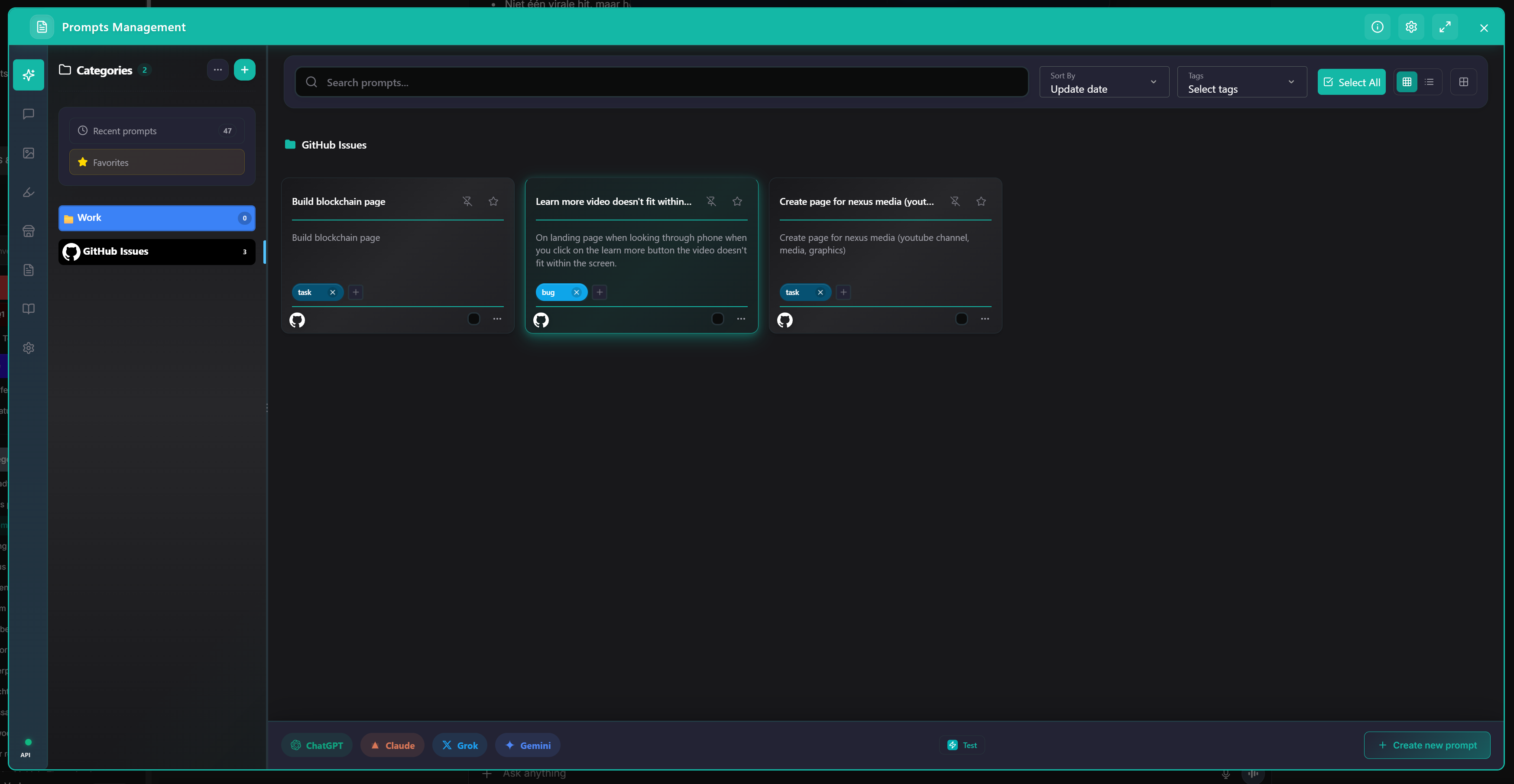
Your personal prompt command center.
The Problem: Prompt Chaos
Let's be honest—prompt engineering is hard enough without having to remember where you saved that perfect prompt from three weeks ago. Here's what happens without proper prompt management:
🔍 Discovery Problem
- • Can't find old prompts
- • Endless history scrolling
- • Rewriting from scratch
📁 Organization Problem
- • No structure or folders
- • Hard to categorize
- • Losing related prompts
🔄 Reusability Problem
- • Copy-pasting constantly
- • Manual tweaking
- • No chaining support
🤝 Collaboration Problem
- • Hard to share w/ team
- • No standardized format
- • Siloed knowledge

Automatic Prompt Capture: Never Lose a Good Prompt Again
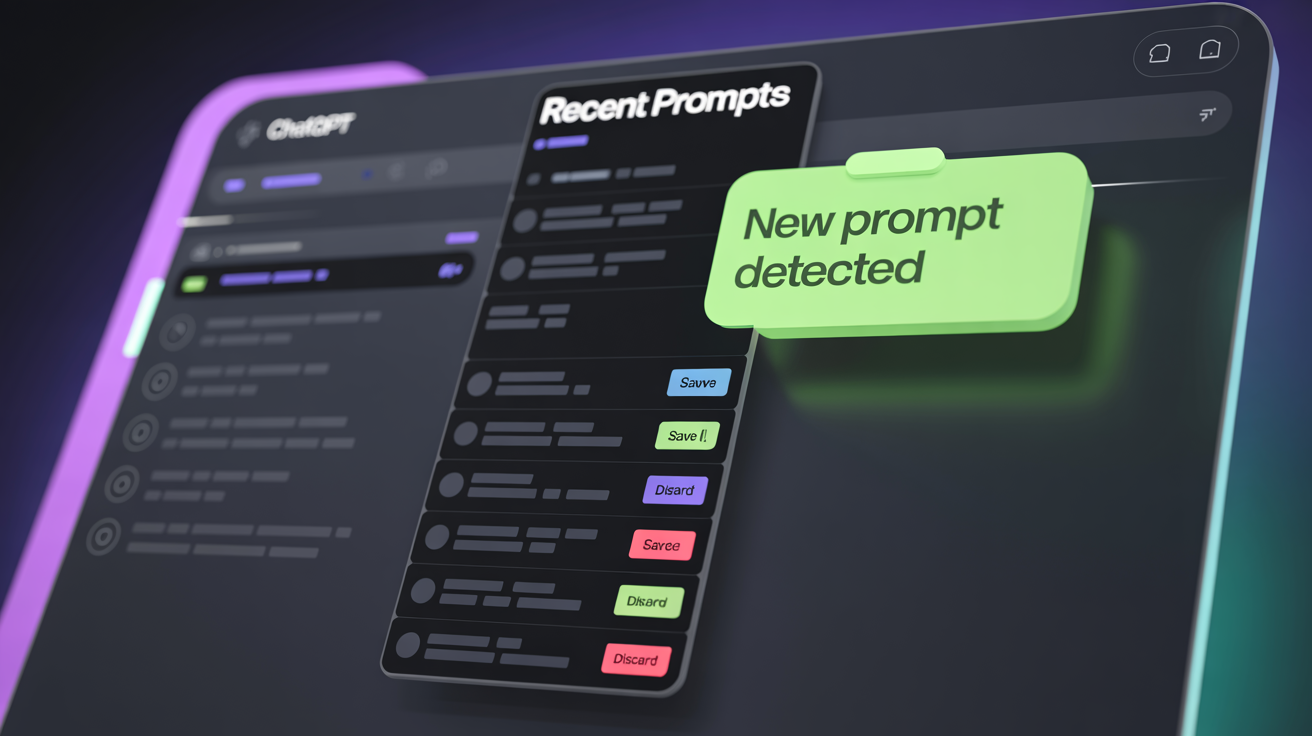
The first feature that makes AI Workspace special? Automatic prompt detection and logging. Every time you send a prompt to ChatGPT, Claude, or Grok, AI Workspace detects it and offers to save it to your Recent Prompts collection.
- ✅ Review recent prompts at any time
- ✅ Save the good ones to your permanent library
- ✅ Discard the experimental ones
- ✅ Edit before saving
The Prompt Vault: Your Personal Prompt Library
Once you save a prompt, it goes into your Prompt Vault—a powerful, searchable library with all the organization features you need.
Core Features
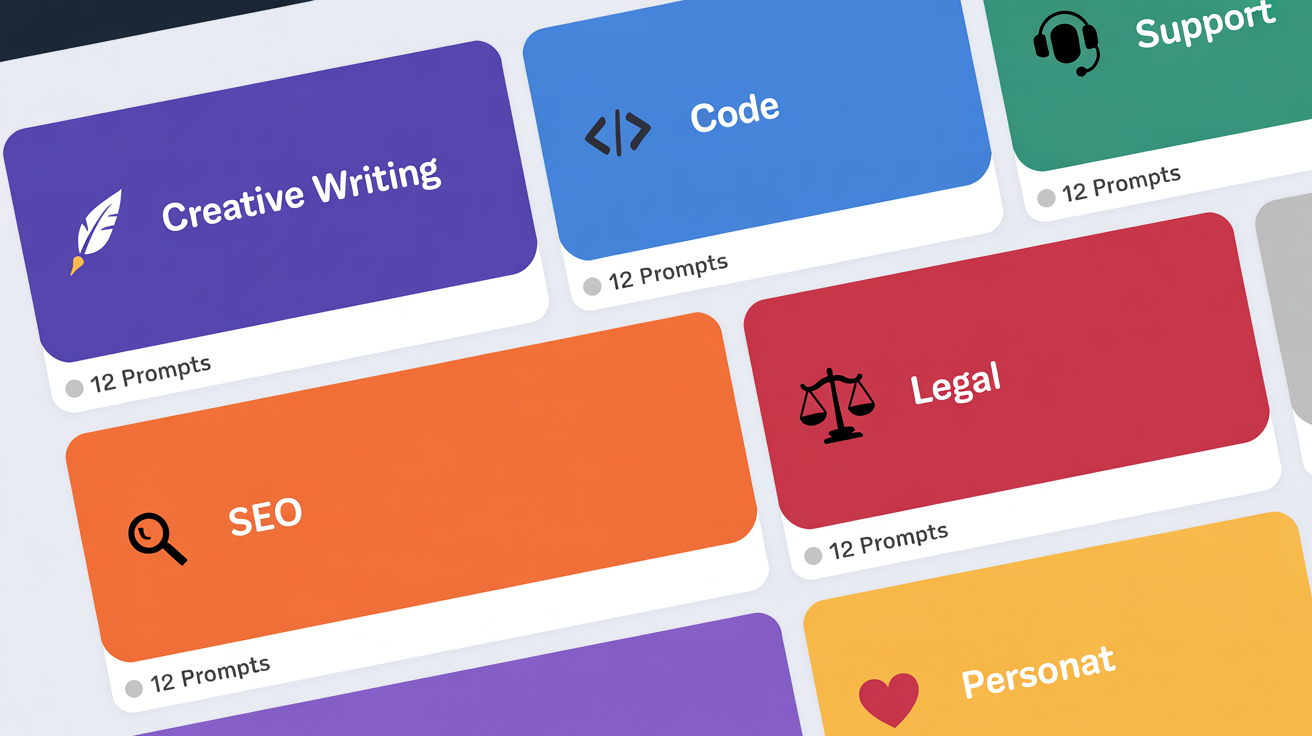
📂 Categories
Organize prompts into categories like Marketing, Code, or Research. Each gets custom colors and icons.
🏷️ Tags
Add tags like #urgent or #SEO for cross-referencing prompts across categories.
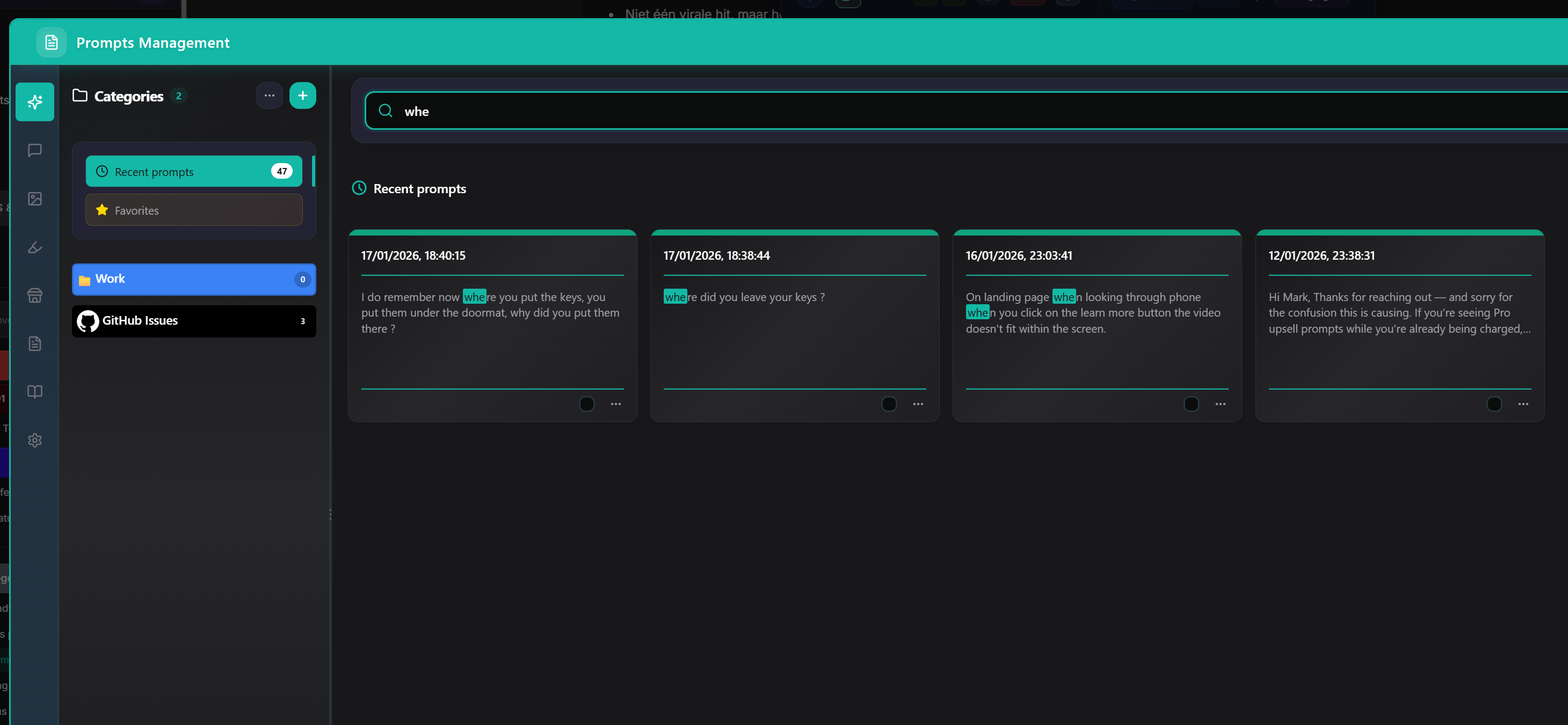
🔍 Search & Filter
Find anything instantly by title, content, tag, date, or platform.
Variables: Make Prompts Reusable
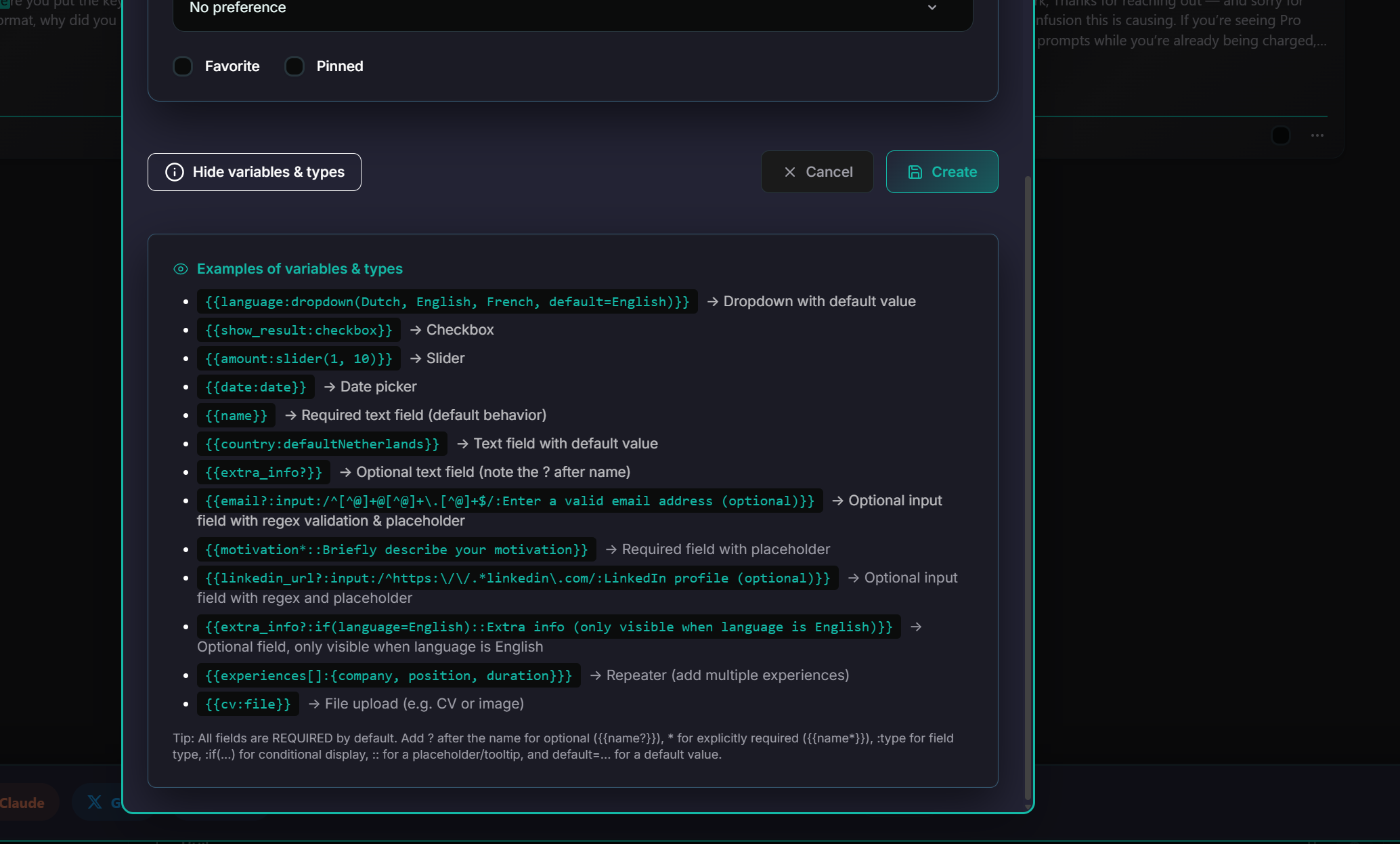
With AI Workspace, you can create dynamic prompts using variables. Instead of rewriting "Write an email to John," you save:
"Write a professional email to {recipient} about {topic}."
When you use this prompt, AI Workspace asks you to fill in the blanks. Suitable for template libraries, cold emails, or structured analysis.
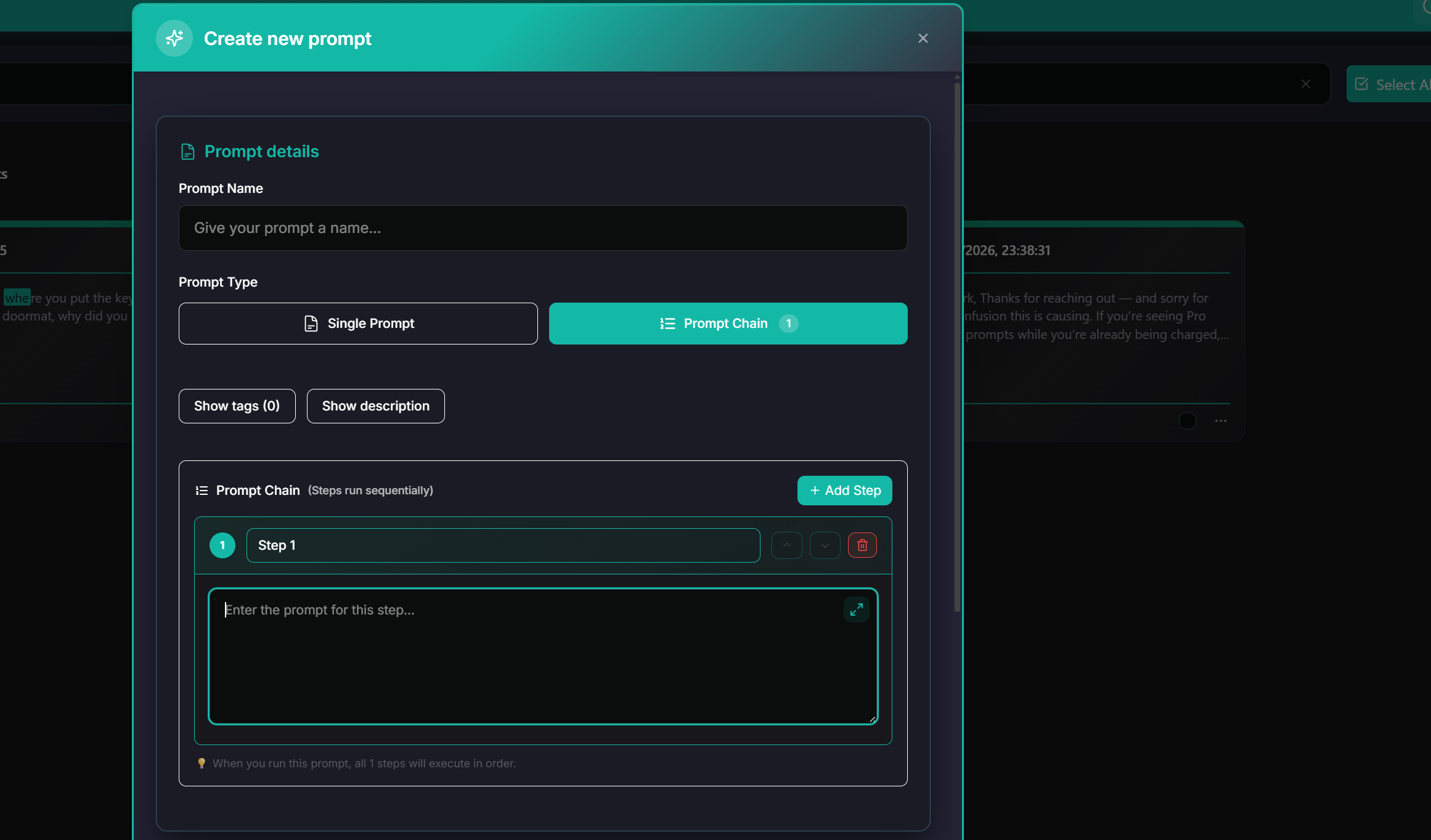
Chained Prompts: Automate Multi-Step Workflows
Execute a sequence of prompts in order. Perfect for content creation workflows like Research → Outline → Draft → Polish.
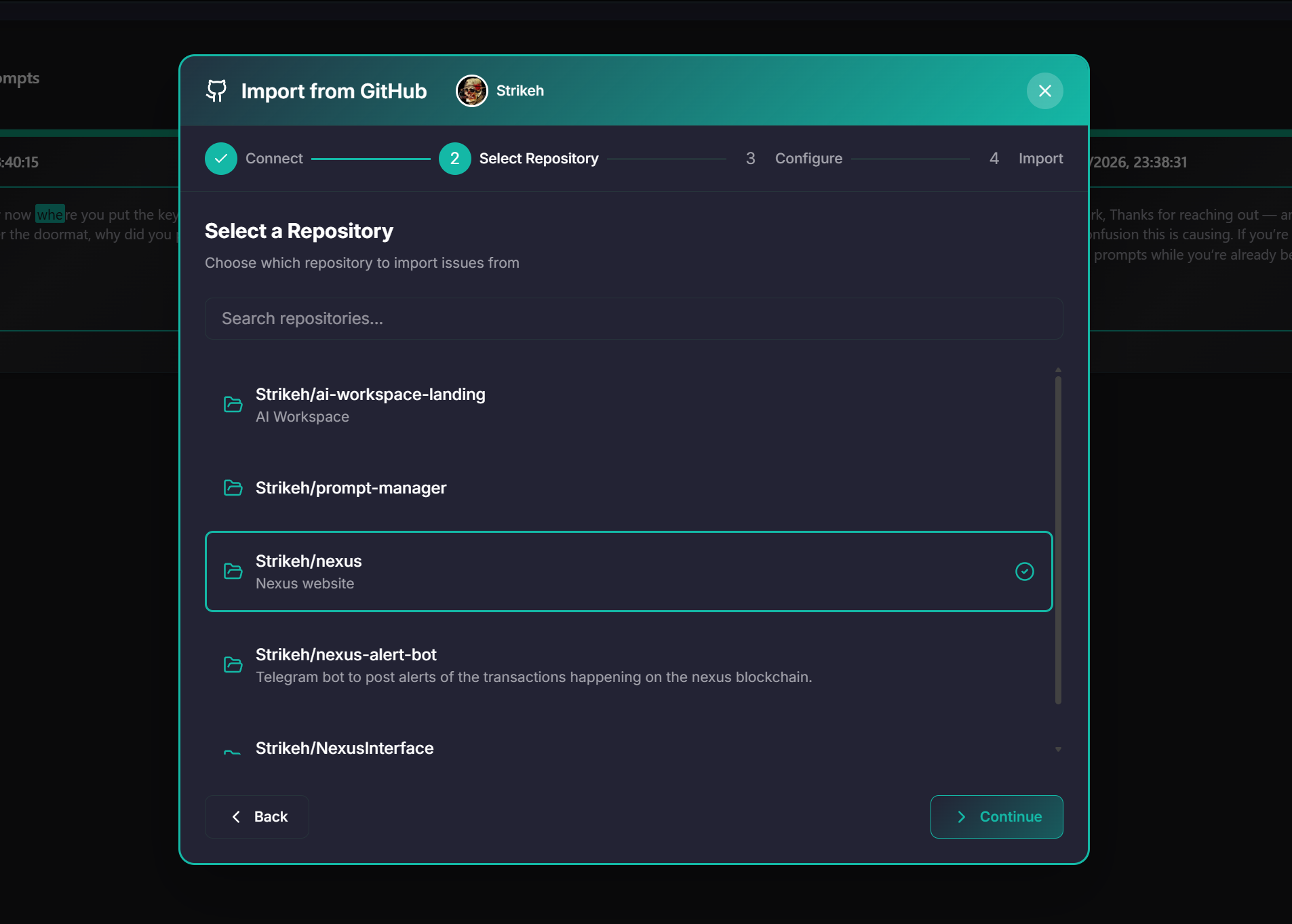
Import, Export & Teams
Easily share prompts with your team via JSON/CSV export, or import issues directly from GitHub to turn bug reports into prompts instantly.
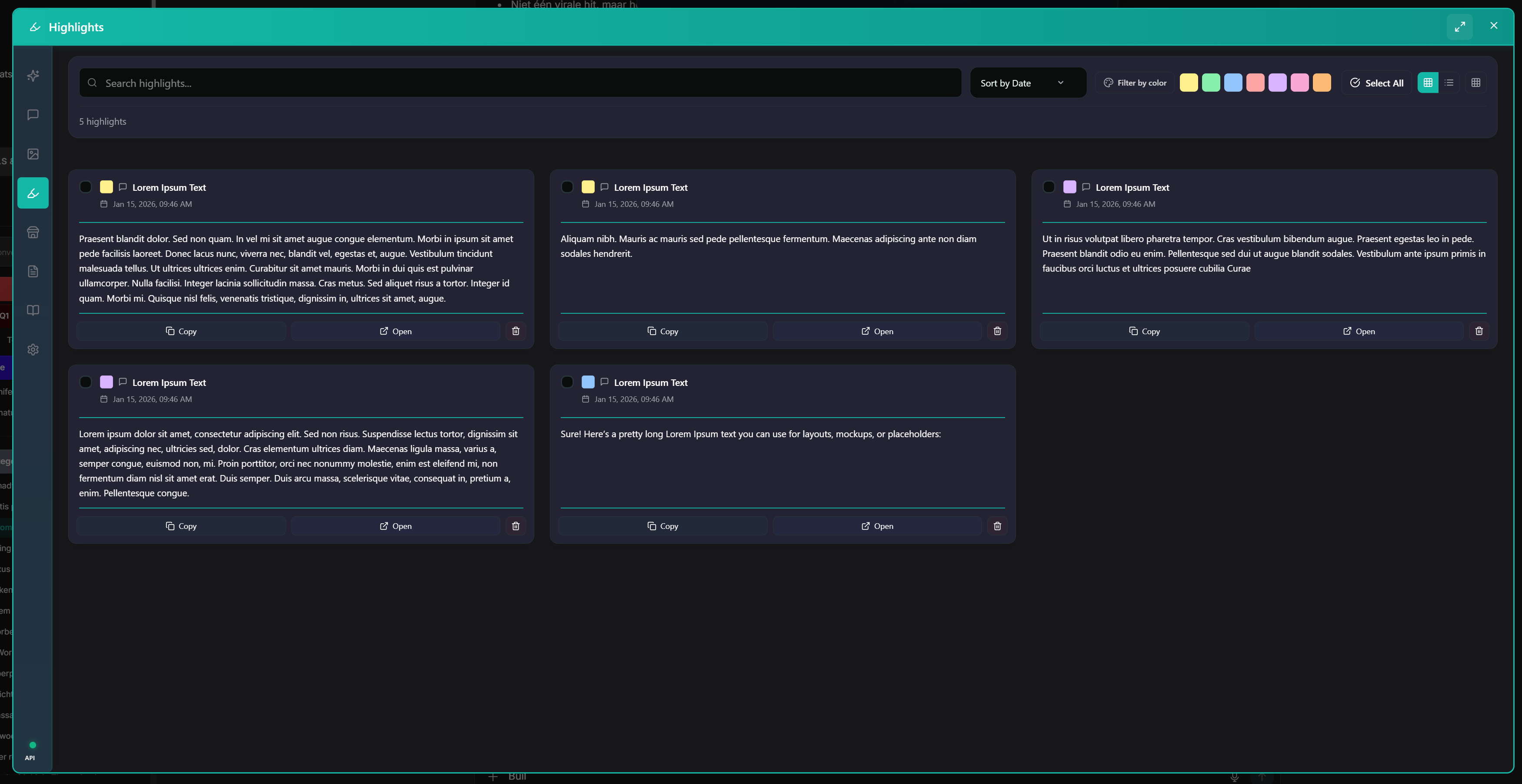
Highlights: Capture Key Moments
Not all prompts are worth saving, but sometimes the answer is gold. Use Highlights to mark and save specific Code snippets, strategic insights, or brilliant ideas directly from the chat stream.
Best Practices for Prompt Organization
- 1. Start with Categories Create 5-10 broad categories (Project, Task, Client) before getting lost in tags.
- 2. Use Descriptive Titles Avoid "Prompt 1". Use "Email subject line generator" instead.
- 3. Review Weekly Check your "Recent Prompts" once a week to capture gems and discard duplicates.
Conclusion
Organizing ChatGPT prompts doesn't have to be a chore. With AI Workspace, you get automatic capture, powerful organization, reusable templates, and multi-step workflows—all in your browser.
Ready to get organized?
Install AI Workspace and take control of your prompts.
Ready to upgrade your workflow?
Join thousands of power users who trust AI Workspace to organize their prompts and conversations securely.
Install for Free