ChatGPT Image Gallery: Access Your Complete Image History (Uploads & DALL-E)

If you've been using ChatGPT for a while, you know the frustration: you generated an amazing image three months ago, but now it's buried somewhere in your conversation history. Or you uploaded a screenshot for analysis, and now it's lost forever.
The reality is simple: ChatGPT is built for conversation, not asset management. Its native gallery only shows recent DALL-E generations — completely ignoring your uploads and older images.
The Problem: Your Visual History is Lost
Most users don't realize how much visual data they're losing. Every time you start a new chat, the images from the previous one drift further into the void.
❌ Why the Native Gallery Fails
- • It only shows DALL-E images (no uploads)
- • Limited history window
- • No search functionality
- • No organization or tagging
The Solution: A Real Gallery for ChatGPT
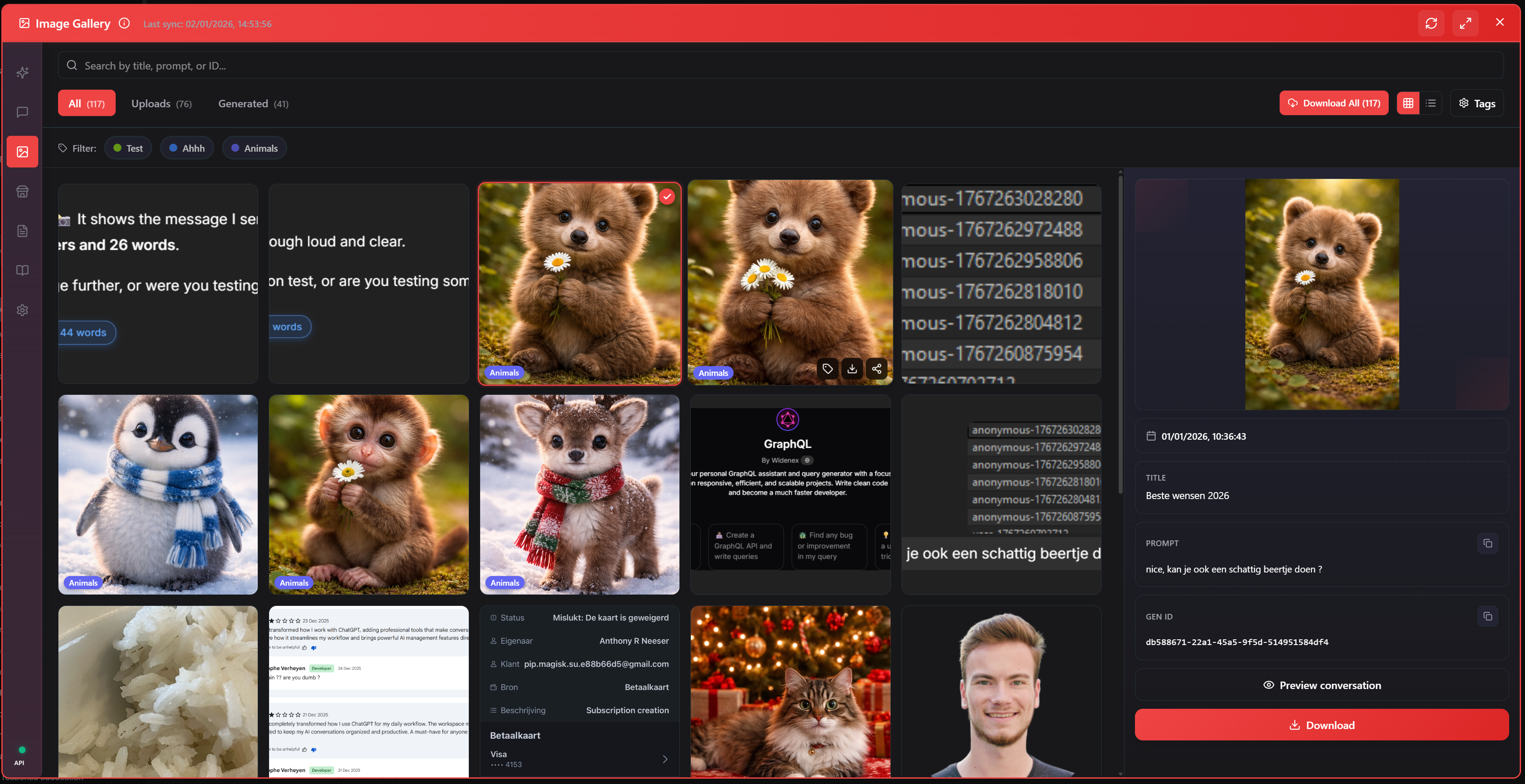
AI Workspace introduces the first comprehensive Image Gallery that lives directly inside ChatGPT. It doesn't just show you what you made today; it travels back in time to retrieve everything you've ever created or shared.
Full History Sync
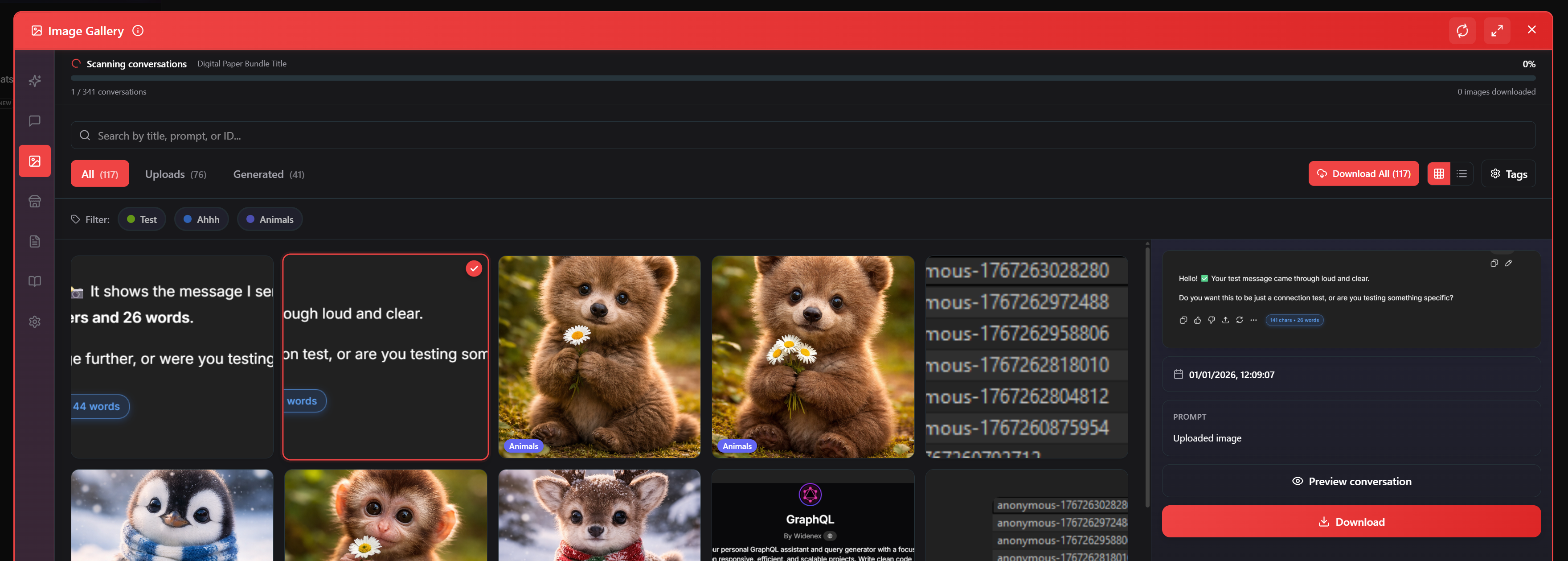
We scan every conversation to index your entire visual history.
100% Private
Images stored locally in your browser. No external servers, no privacy risks.
Features That Matter
Instant Preview & Metadata
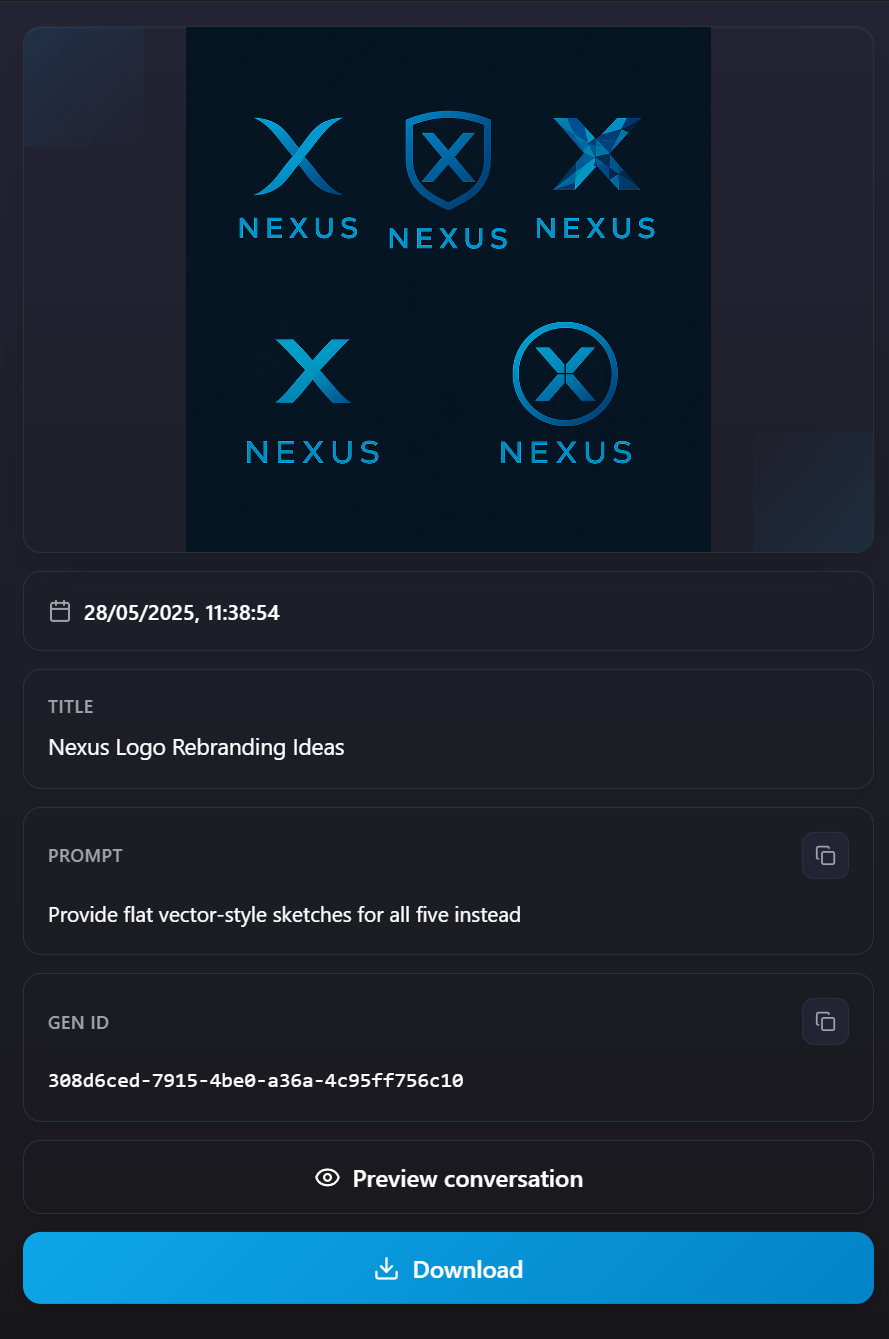
Click any image to see its full context. For DALL-E images, we retrieve the original prompt so you can recreate the style. For uploads, we show which conversation it came from.
Batch Download
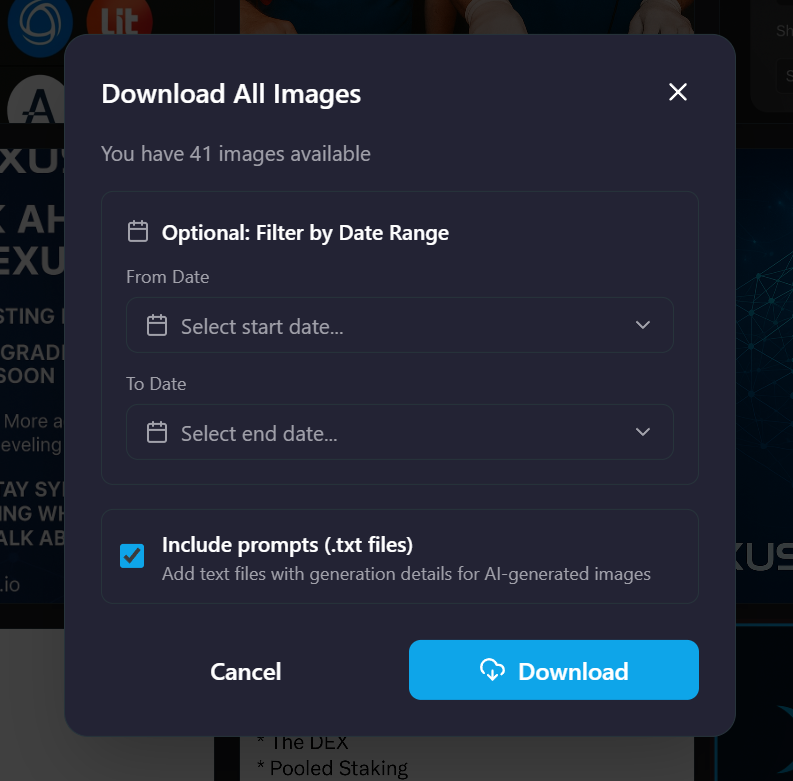
Need to backup your work? Select multiple images (or your entire library) and download them in one click. We even include the prompts as text files.
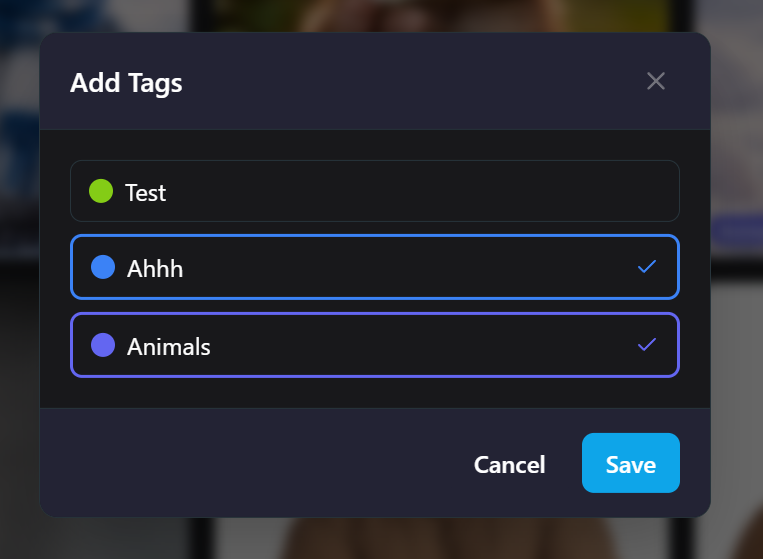
Smart Tagging
Create custom tags like "Project Alpha," "Inspiration," or "Funny" to keep your assets organized.
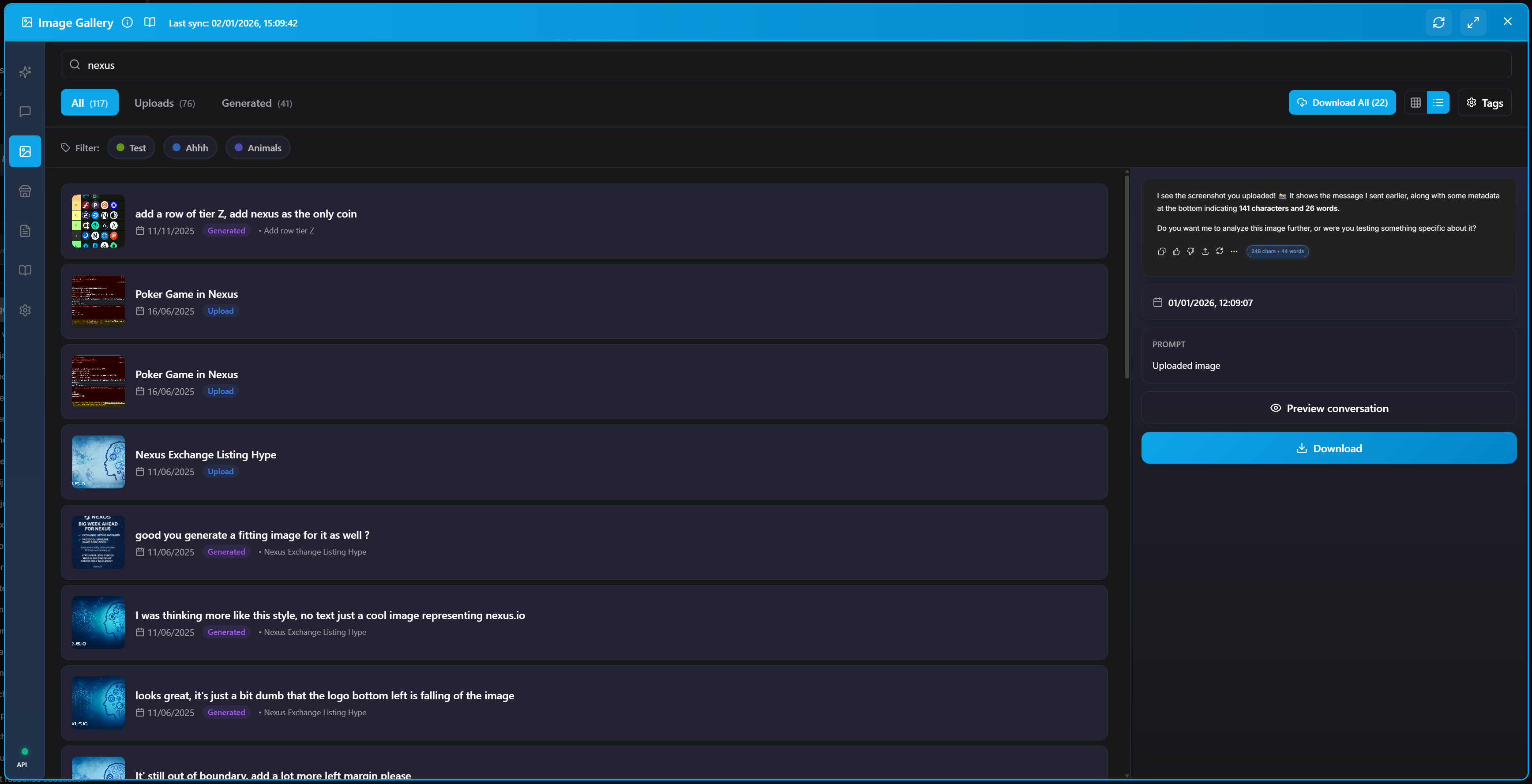
Global Search
Remember a prompt but not the image? Just type a keyword. We search through prompts and conversation titles to find the exact match.
Who is this for?
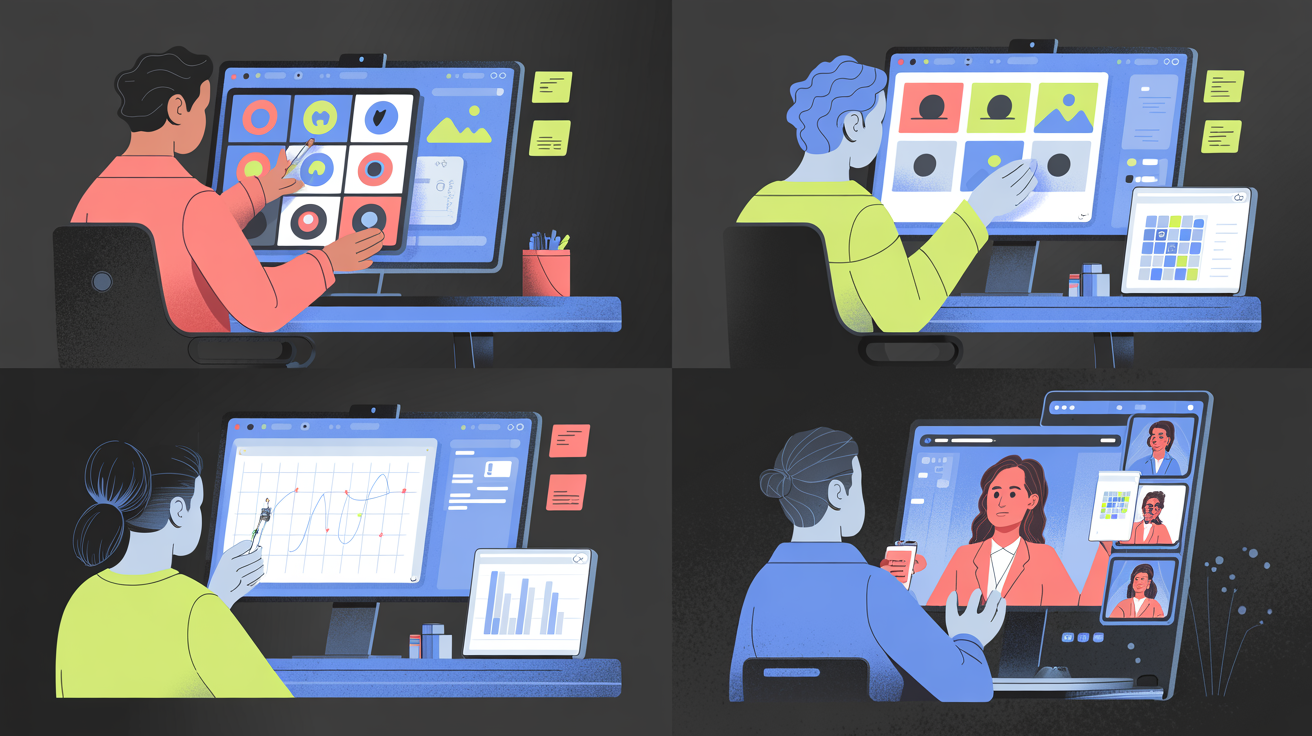
Whether you're a designer building mood boards, a developer saving UI mockups, or a marketer managing campaign assets, this gallery turns ChatGPT into a persistent asset library.
🚀 Start Organizing Today
The Image Gallery is available now in AI Workspace. Install the extension, open the gallery tab, and watch your history come back to life.
Ready to upgrade your workflow?
Join thousands of power users who trust AI Workspace to organize their prompts and conversations securely.
Install for Free