How to Use ChatGPT for Blogging: 9 Steps + Best Prompts

ChatGPT has revolutionized content creation, allowing bloggers to brainstorm ideas, research keywords, and draft posts faster than ever. But without a proper workflow, you'll end up with scattered prompts, inconsistent outputs, and a chaotic mess of conversations.
In this comprehensive guide, we'll walk you through a 9-step workflow for using ChatGPT to create blog content — from initial planning to promotion. We'll also share the best prompts for each step and show you how to keep everything organized.
📚 What You'll Learn
- ✓ Create a content plan with AI
- ✓ Research keywords efficiently
- ✓ Build topic clusters
- ✓ Write SEO-optimized content
- ✓ Generate FAQs and meta tags
- ✓ Promote your blog posts
Step 1: Create a Content Plan
The first step of any successful blog is determining your niche and target audience. Pick a topic you're passionate about — tech, fitness, travel, finance — and ask ChatGPT to generate content ideas.

ChatGPT can help you:
- Generate topic ideas based on your niche
- Break down topics into sub-topics
- Create catchy blog post titles
- Build a content calendar for weeks ahead
📝 Best Prompts to Use
- "Suggest 10 topic ideas for a [niche] blog targeting [audience]"
- "Give me sub-topics related to [topic]"
- "Create 5 catchy titles for a blog post about [sub-topic]"
Step 2: Research Keywords
Keyword research helps your content reach the right audience through search engines. Instead of manually finding keywords one by one, use ChatGPT to generate them in bulk.

Specify whether you want short-tail keywords (broad terms like "best cameras") or long-tail keywords (specific phrases like "best mirrorless cameras for beginners under $1000").
⚠️ Important: ChatGPT doesn't have access to real-time search volume data. Use tools like Google Search Console, Ahrefs, or Ubersuggest alongside ChatGPT to validate keyword metrics.
📝 Best Prompts to Use
- "Make a list of 15 short-tail keywords for the blog post: [title]"
- "Suggest long-tail keywords for [title] targeting beginners"
- "What questions do people ask about [topic]?"
Step 3: Analyze Competitor Content
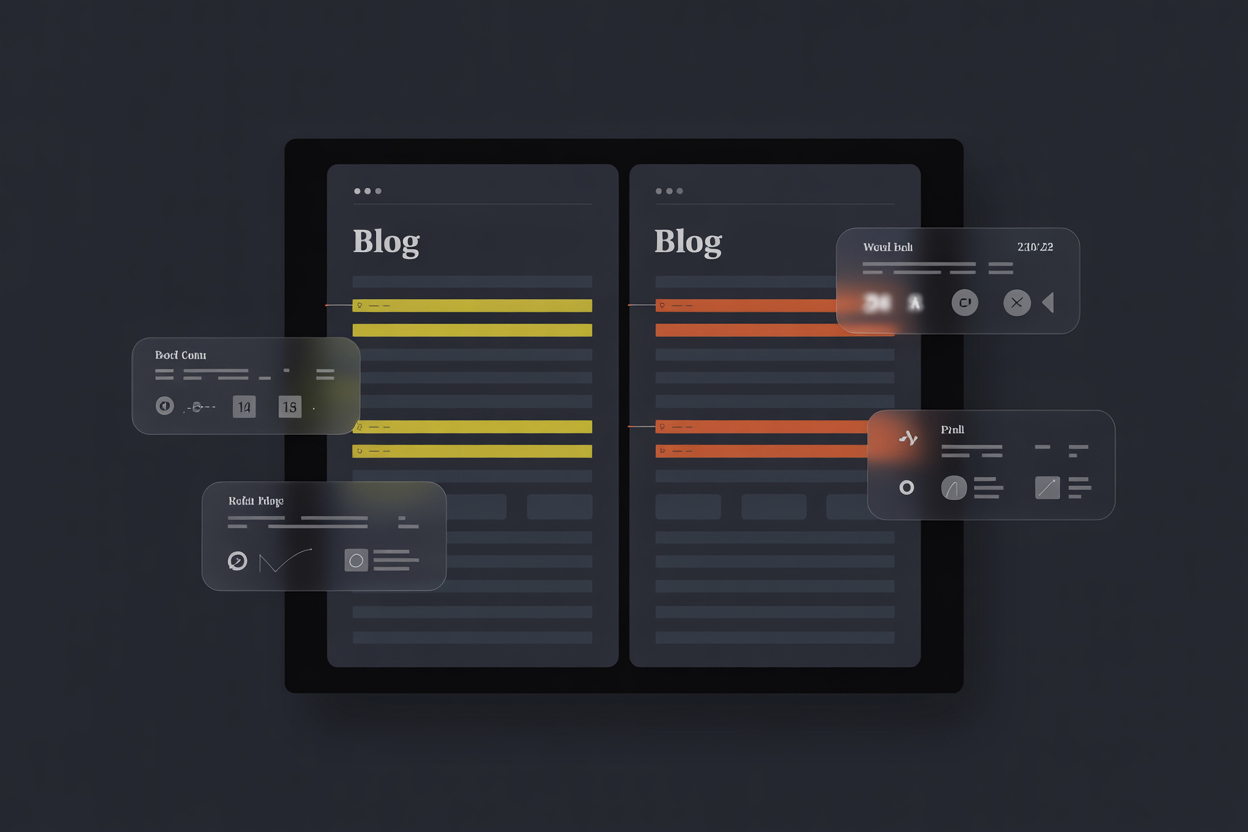
Understanding what top-ranking posts are doing helps you identify gaps in your own content strategy. Ask ChatGPT to analyze competitor articles and suggest improvements.
📝 Best Prompts to Use
- "Analyze the content structure of this article: [paste content or URL]"
- "What topics does this competitor cover that I should include?"
- "Identify content gaps in my article compared to [competitor topic]"
Step 4: Build Topic Clusters
Topic clusters are groups of related articles that share keywords and link to each other. This structure helps search engines understand your content better and improves your site's authority.
Pillar Content
A comprehensive guide covering a broad topic (e.g., "Complete Guide to Photography")
Cluster Content
Specific posts that link back to the pillar (e.g., "Best Lenses for Portraits", "Night Photography Tips")

📝 Best Prompts to Use
- "Create a topic cluster for [main topic] with 5 supporting articles"
- "Group these keywords into topic clusters: [keyword list]"
Step 5: Create a Blog Post Outline
Before writing, create a solid structure. A good outline includes your main headings, the content under each section, and where to place keywords.
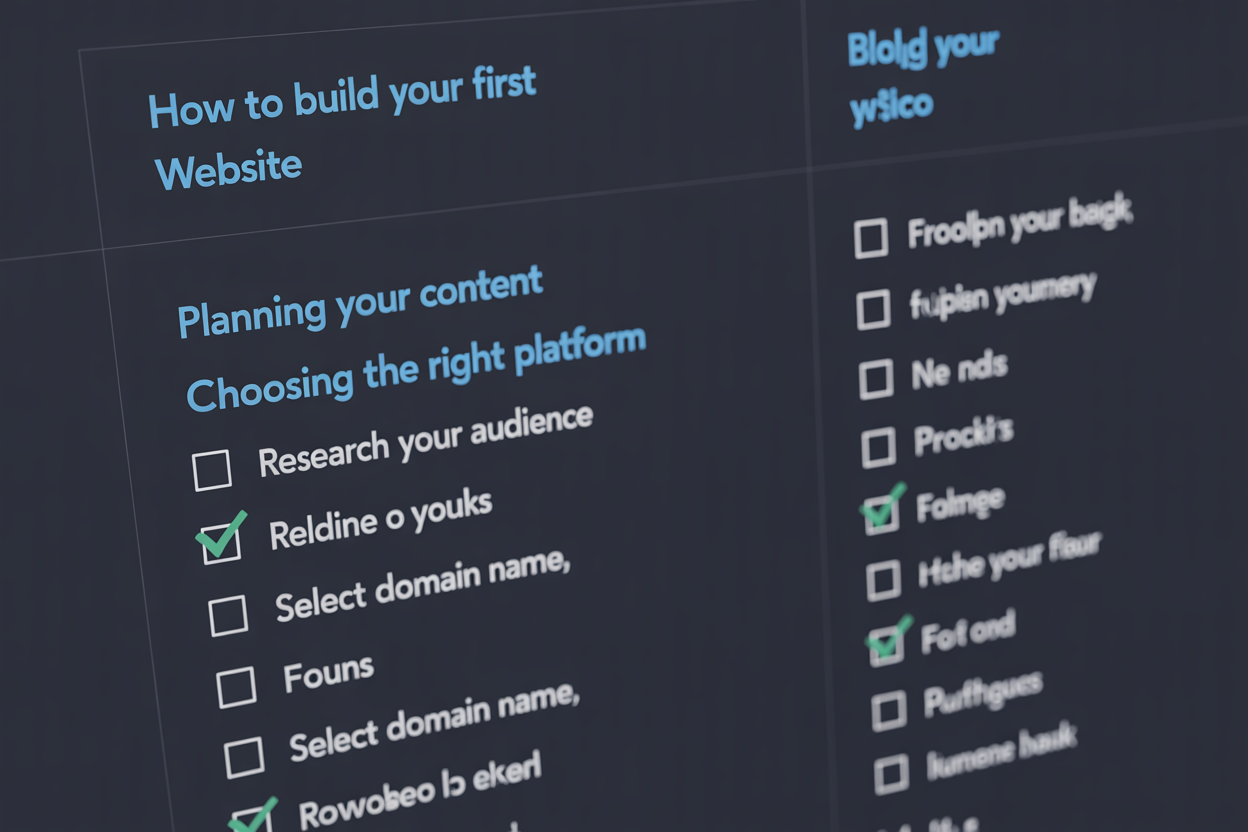
Consider these aspects when creating your outline:
- Length: Target word count for each section
- Headings: H2s and H3s with keywords
- Content: Key points to cover
- Flow: Logical progression from intro to conclusion
📝 Best Prompts to Use
- "Create a detailed outline for: [title]. Include H2 and H3 headings with these keywords: [keyword list]"
- "Generate an outline for a 2000-word article about [topic] targeting [audience]"
Step 6: Write the Full Content
Now expand each section of your outline. Since ChatGPT has output limits (~500 words per response), write each section individually rather than requesting the entire post at once.

⚠️ Important Best Practices
- • Don't rely 100% on AI: AI content often lacks personal touch. Use it as a starting point.
- • Fact-check everything: ChatGPT can produce inaccurate information.
- • Add your voice: Include personal experiences, opinions, and examples.
- • Check for plagiarism: Run content through plagiarism checkers before publishing.
📝 Best Prompts to Use
- "Write an engaging introduction for: [title]. Hook the reader and preview what they'll learn."
- "Expand the section about [heading] with these keywords: [list]. Make it 300 words."
- "Write a compelling conclusion that summarizes key points and includes a call-to-action."
Step 7: Add FAQs
A Frequently Asked Questions section has multiple benefits: it improves user experience, can appear in Google's featured snippets, and lets you target long-tail keywords.
📝 Best Prompts to Use
- "Generate 5 FAQs with answers about [topic] that people commonly search for"
- "What questions would a beginner ask about [topic]?"
Step 8: Optimize for SEO
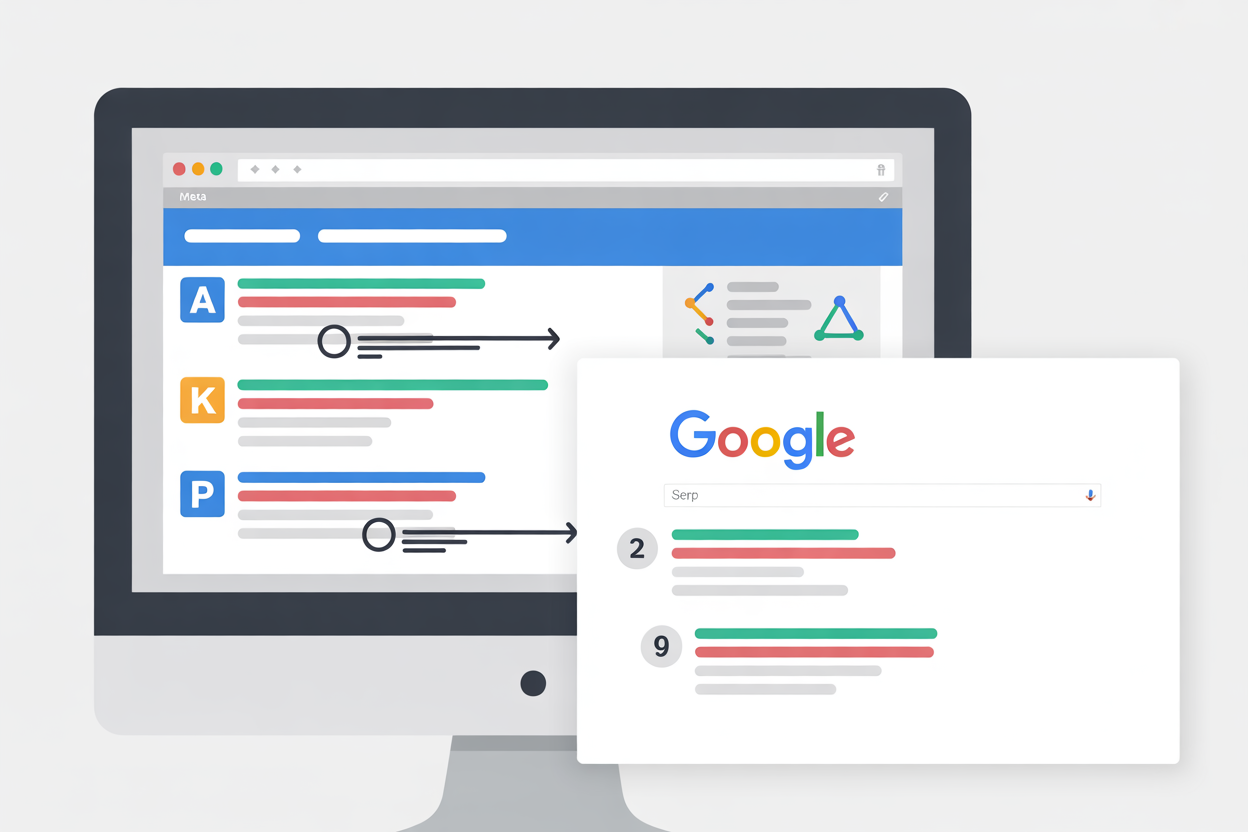
Beyond keywords, there are several technical SEO elements ChatGPT can help you create:
📝 Best Prompts to Use
- "Create an SEO-optimized meta title and description for: [title]"
- "Generate schema markup (JSON-LD) for this blog post about [topic]"
- "Write alt text for an image showing [description]"
Step 9: Promote Your Blog Post
Don't just publish and hope for traffic. Use ChatGPT to create promotional content for social media and email newsletters.

📝 Best Prompts to Use
- "Create a Twitter/X thread (5 tweets) promoting my blog post: [title]"
- "Write a LinkedIn post about [topic] that drives traffic to my blog"
- "Create an email newsletter announcing my new blog post: [title]. Include subject line."
💡 Pro Tip: Keep Your Prompts Organized
After going through all these steps, you'll have dozens of conversations and prompts scattered across ChatGPT. This is where organization becomes critical.
How AI Workspace Helps
Instead of losing prompts in endless chat history, use AI Workspace to:
- ✓ Save your best prompts in a searchable library
- ✓ Create templates with variables like {{topic}} and {{keywords}}
- ✓ Organize chats by project (e.g., "Tech Blog", "Client Work")
- ✓ Access your prompts instantly with "/" quick menu
Frequently Asked Questions
Can ChatGPT write entire blog posts?
Yes, but with limitations. ChatGPT outputs around 500 words per response, so you'll need to write each section separately. More importantly, AI-generated content often lacks personality and may contain inaccuracies — always edit and fact-check before publishing.
Is AI-generated content bad for SEO?
Not necessarily. Google's guidelines focus on content quality, not whether it was AI-generated. The key is to add value, ensure accuracy, and include your unique perspective. Pure AI content without editing may perform poorly.
How do I make ChatGPT content sound more human?
Add personal anecdotes, opinions, and real-world examples. Vary sentence length. Remove overly formal language. Read it aloud to catch robotic phrasing. Use prompts like "Write in a conversational tone" or "Include humor."
Should I disclose that I used AI?
There's no legal requirement, but transparency builds trust. If AI significantly contributed to your content, consider mentioning it. For heavily edited content where AI was just a starting point, disclosure is less necessary.
Conclusion
ChatGPT is a powerful ally for bloggers, helping with everything from brainstorming topics to writing promotional content. By following this 9-step workflow, you can dramatically speed up your content creation process.
Quick recap of the workflow:
- Create a content plan with topic ideas
- Research keywords (short-tail and long-tail)
- Analyze competitor content for gaps
- Build topic clusters for better SEO
- Create a detailed blog post outline
- Write full content section by section
- Add FAQs for featured snippets
- Optimize meta tags, schema, and alt text
- Promote on social media and email
Remember: AI is a tool, not a replacement. The best content combines AI efficiency with your unique voice and expertise.
Ready to upgrade your workflow?
Join thousands of power users who trust AI Workspace to organize their prompts and conversations securely.
Install for Free